

5 types of tools you need for app rollbacks
Key Takeaways:
Rollbacks are hardly the only way you can recover from a failed release, but sometimes they’re the only option left.
And when users are already affected and the sense of alarm sets in, you need certainty that a rollback will work once triggered.
This is where rollback testing comes in.
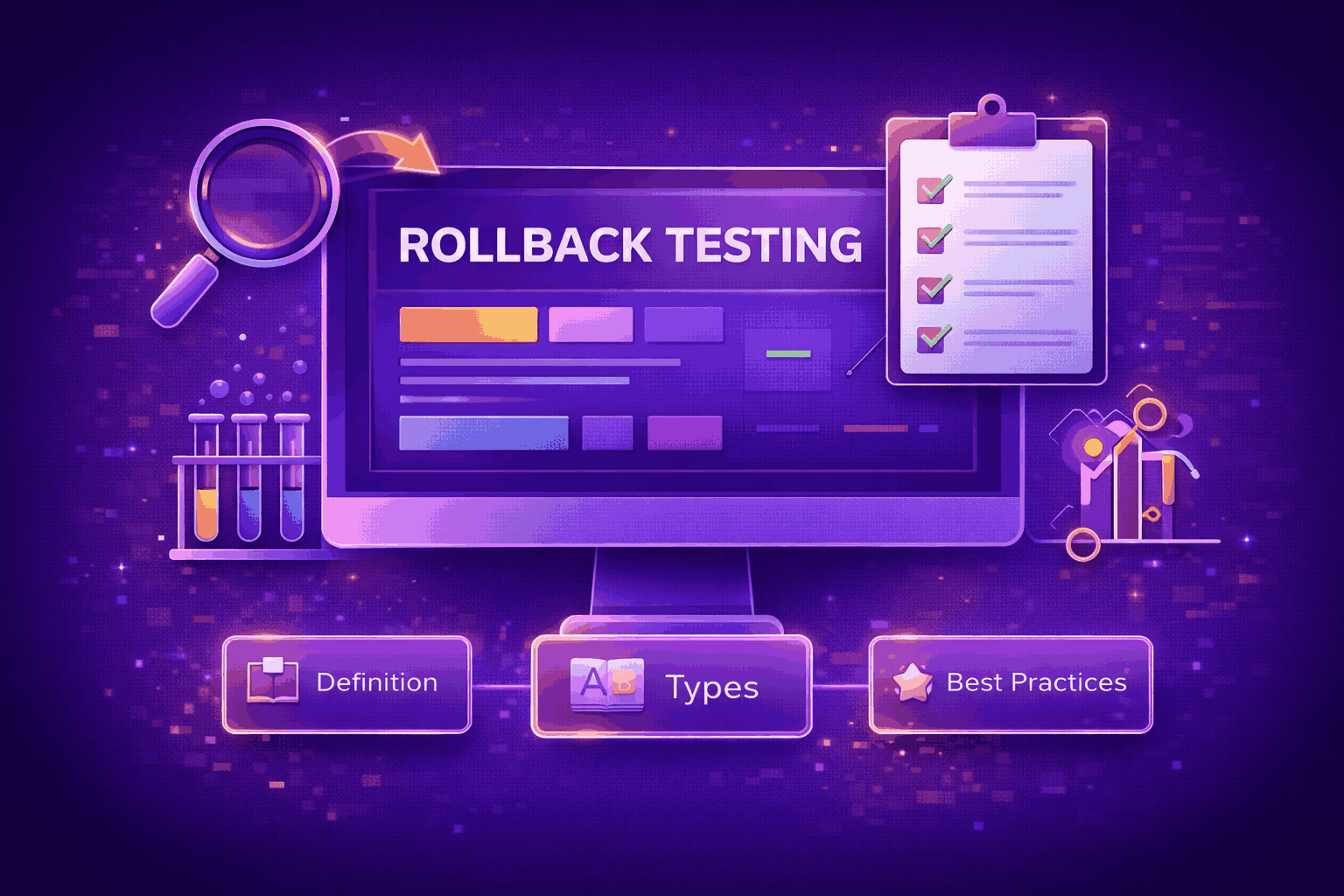
Continue reading to learn about the main types of rollback testing and key practices that ensure the process is successful.
Table of Contents
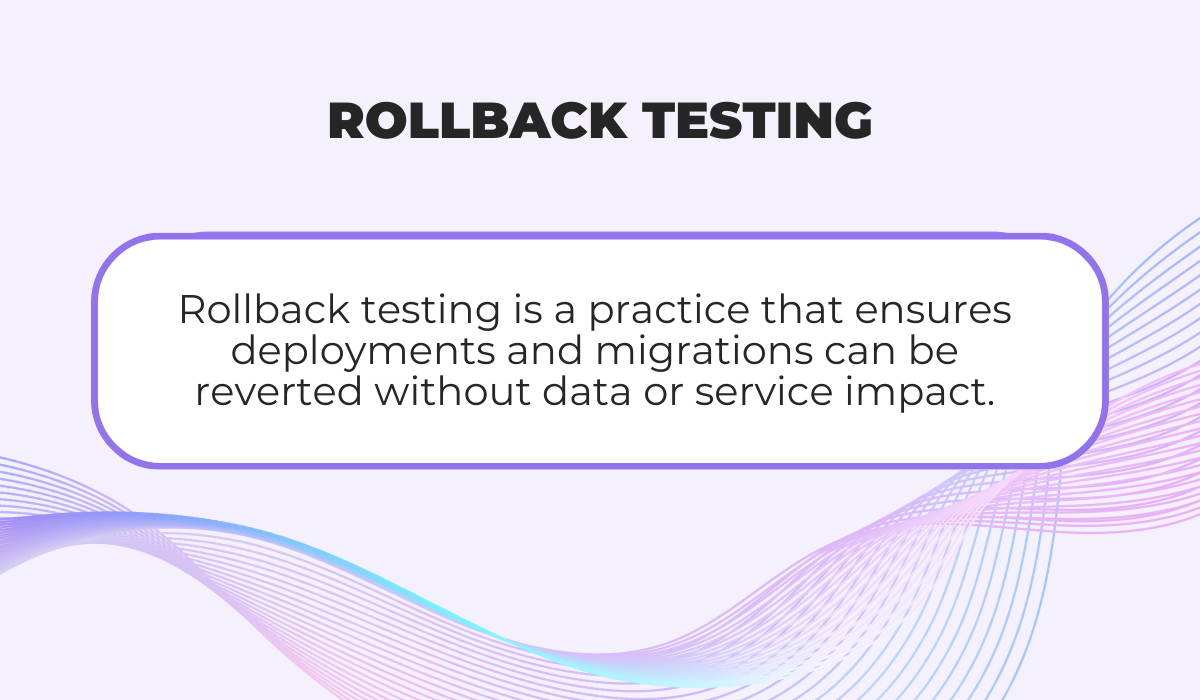
Rollback testing is the practice of validating that a system can safely and reliably revert to a previous stable state after a failed deployment or release.
It ensures that services continue to function and that data integrity is preserved, even when things go wrong during updates or migrations.
While rollbacks are a standard recovery strategy, executing them in practice is often a lengthy and complex process.
That complexity is what prompted a DevOps practitioner working on a Liquibase CI/CD pipeline to ask if there’s a way to check if rollback actually works before applying any changes.
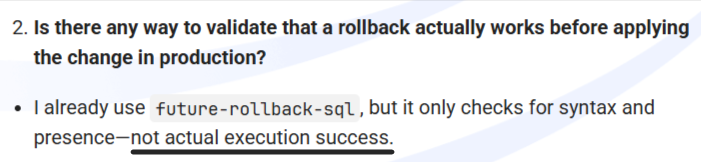
This question highlights a key point: a rollback strategy only has value when it’s tested repeatedly, and under realistic conditions.
Testing protocols enable you to turn a theoretical plan into a reliable process.


Get unreal data to fix real issues in your app & web.
In practice, testing a rollback often involves intentionally introducing failures, such as:
Then, the rollback procedure is executed to observe outcomes.
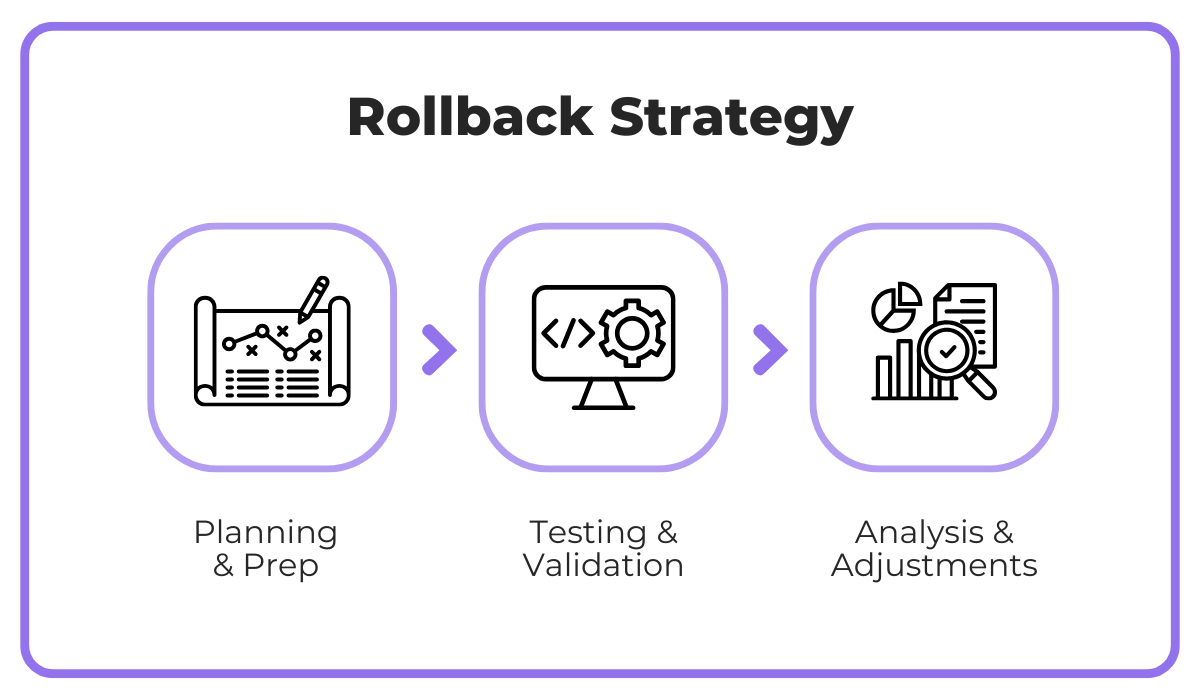
To put it differently, a successful rollback strategy requires three key components, from initial preparation and testing to careful analysis.
If we analyze the replies to the aforementioned rollback question, the consensus is clear: rollback testing should never occur directly in production, except in carefully isolated scenarios, such as pausing replication in a blue/green setup.
Most updates and rollbacks are tested in pre-production or containerized databases that are frequently refreshed from production.
Including these practices in the workflow ensures that your tests capture realistic system behaviors while protecting live data.
By incorporating both practical testing and strategic planning, rollback testing becomes a critical element of deployment safety, rather than a theoretical checklist.
Next, let’s take a closer look at different types of rollback testing.
Rollback testing will vary depending on the scope of changes and the systems involved.
Understanding the distinctions between different types of rollback testing helps teams to prioritize effectively and anticipate potential risks.
For starters, there are three main types of tests we need to recognize: full system, component-level, and database rollback testing.
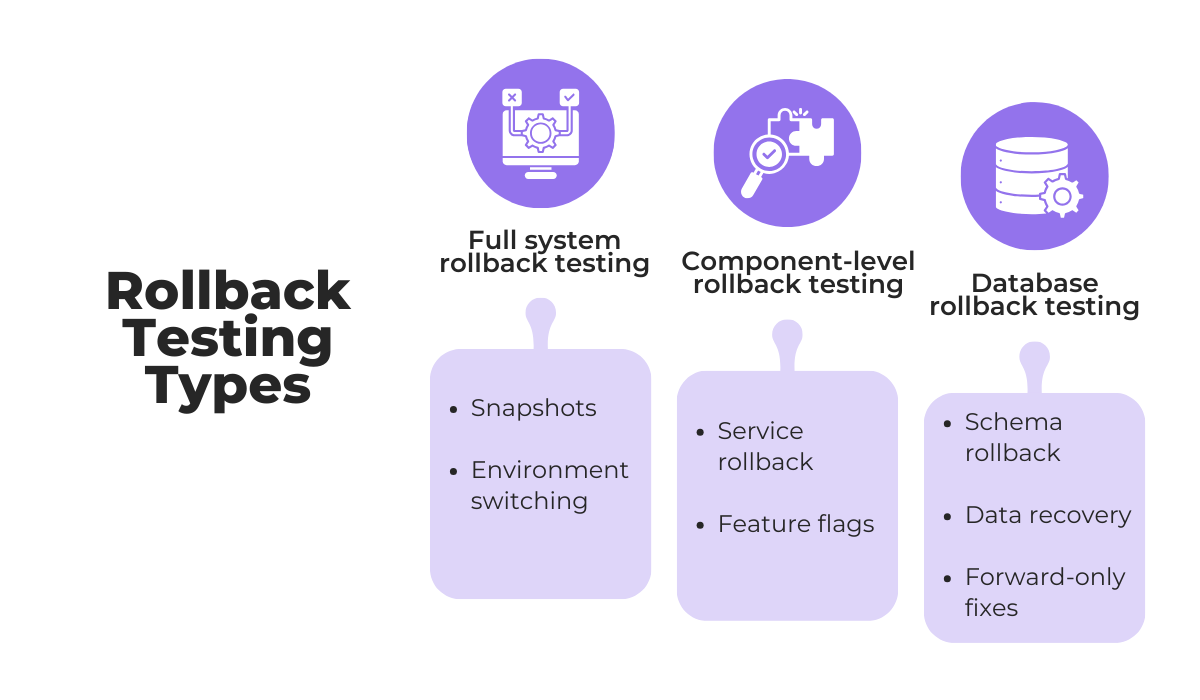
The best way to understand key differences is to zoom in on typical testing practices and practical considerations for each type.
For example, more disruptive full system rollback tests usually occur in staging environments or as part of disaster recovery drills.
Meanwhile, component-level rollback testing enables teams to reverse individual services, microservices, or features without impacting the wider system.
This makes them more common in daily development workflows.
In practice, code and UI changes are much more frequent than database changes, especially in a test environment, and there’s a very good reason for it.
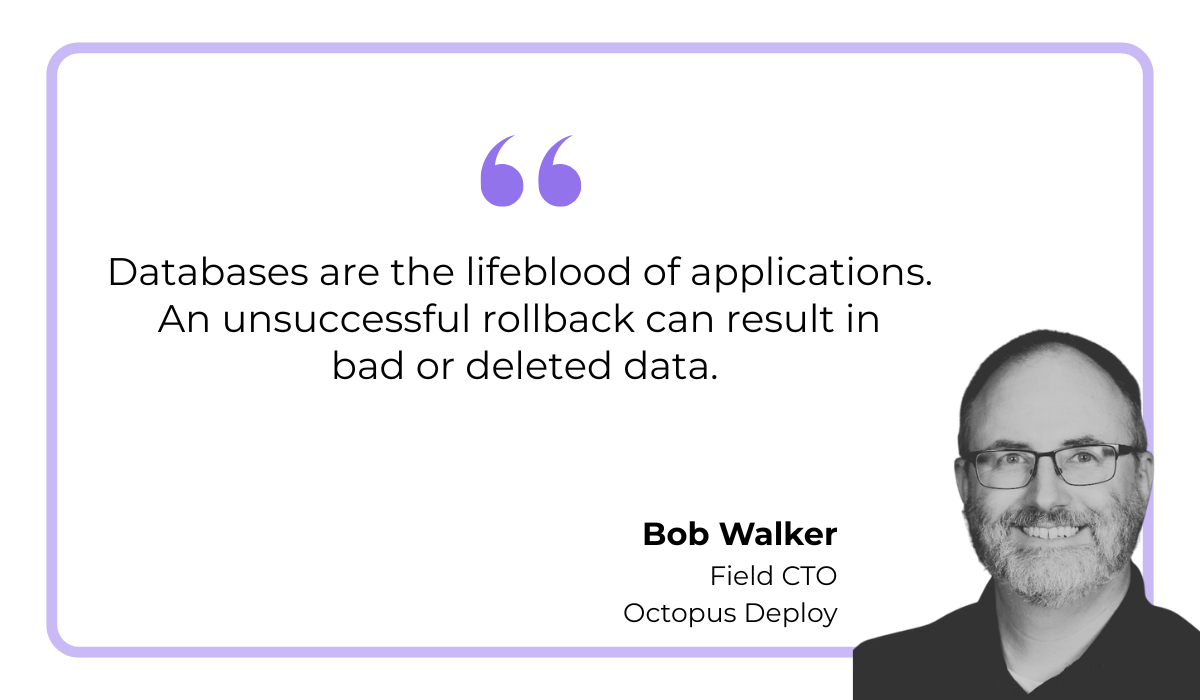
Bob Walker, a Field CTO for Octopus Deploy, explains that database rollbacks are also much more challenging:
Not only is the probability of failure higher than with the other one, but you’re looking at corrupted or deleted data.
To manage this risk, practitioners often test rollback logic on mock databases, separate pre-production instances, or in-memory databases.
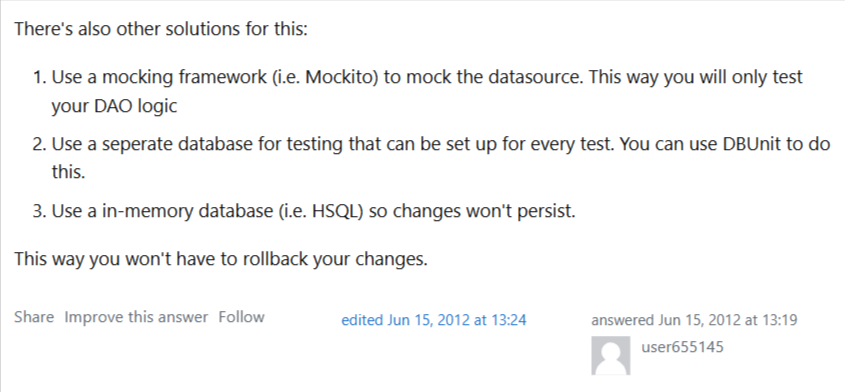
These approaches allow teams to rehearse recovery without touching live data, reducing exposure to potential failures while retaining realistic testing conditions.
Here’s a quick overview of all three rollback types:
| Rollback Type | Typical Testing Practices | Notes |
| Full system rollback | Tested in staging or during disaster recovery drills | Expensive and disruptive, often only tested partially |
| Component-level rollback | More common, especially for services with frequent deployments | Easier to isolate, feature flags, and microservices |
| Database rollback | Usually tested with backups, migrations, or in isolated test environments | High risk, teams often rely on simulations or backup testing |
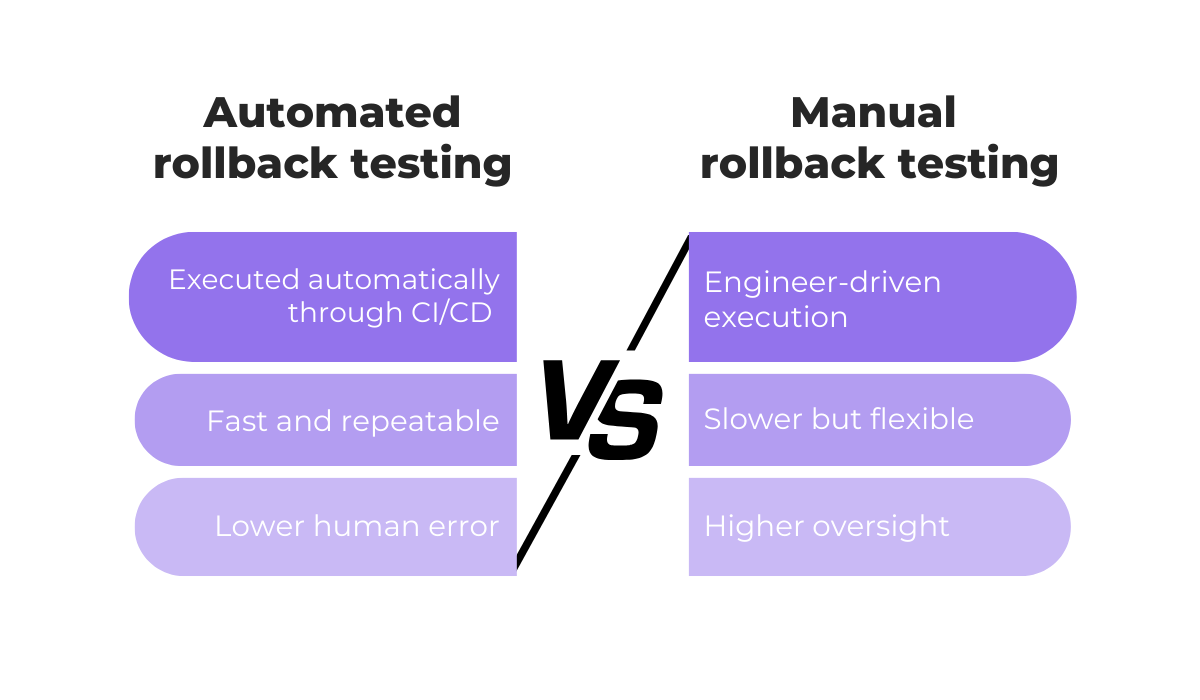
However, another important distinction lies in automation.
Automated rollback testing leverages CI/CD pipelines to execute rollback steps reliably, reducing human error and speeding recovery.
This approach works particularly well for frequent, incremental code deployments or component-level rollbacks.
On the other hand, manual rollback testing is performed directly by engineers.
While they’re sometimes necessary when preparing for complex or unexpected failures, manual procedures are slower, prone to errors, and increase operational risk under pressure.
Want to ensure sufficient control over the process while mitigating the challenges of manual rollback?
Teams today increasingly rely on toolkits that can automate different processes, including those relevant to rollbacks.
For instance, Ispirer Toolkit handles schema conversions and accommodates differences across database technologies, such as Oracle and PostgreSQL.
In this way, teams create a strong safety net that’s necessary for database rollbacks, while reducing manual effort.
All in all, dev teams that know the ins and outs of rollback types, while being aware of different automation tools available to them, are in the best position to design recovery strategies that are both resilient and practical.
Moreover, these foundations then set the stage for implementing best practices in rollback testing.
Effective rollback testing depends not only on procedures but also on preparation.
The following practices help teams reduce risk and make recovery predictable.
Clean and well-organized version histories make rollback testing faster and safer.
When version histories are messy, inconsistent, or poorly tracked, rollbacks can become slower, error-prone, and difficult to validate.
Software developer Andre Okazaki emphasizes that versioning is a prerequisite for rollback testing:

In other words, you can’t go about reverting changes without a clear record of previous deployments.
A clean version history involves several practical steps, summarized in the table below:
| Best Practices for Version Histories | How it Supports Rollbacks |
| Tag releases clearly | Identifies stable rollback targets quickly without guessing which commit is safe |
| Maintain consistent versioning schemes | Reduces confusion when coordinating across multiple branches or teams |
| Avoid untracked changes | Prevents hidden or accidental changes from being rolled back or lost |
| Document significant changes in commit messages | Provides context for why a change exists, helping determine if rollback is safe |
There are also dedicated tools that support these practices.
Among the most used ones is Git, which enables teams to tag releases, track every commit, and maintain consistent branch histories, even in projects with multiple contributors.
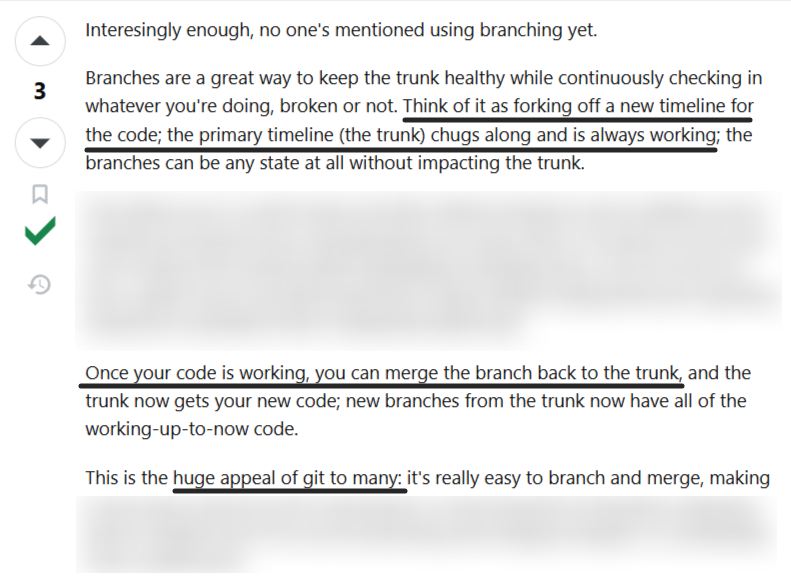
By leveraging Git’s features, teams can quickly identify which versions are safe to revert to and automate rollback procedures more reliably.
And when engineers know exactly what is deployed, they can execute reversions efficiently, reducing downtime and preventing cascading failures during production incidents.
Ultimately, maintaining clean version histories enables and streamlines all rollback testing efforts.
Rollback testing is most effective when performed in staging environments that closely mirror production infrastructure, configurations, and dependencies.
A staging environment is essentially a pre-production replica of the live system, designed to emulate its behavior as accurately as possible without affecting real users or data.
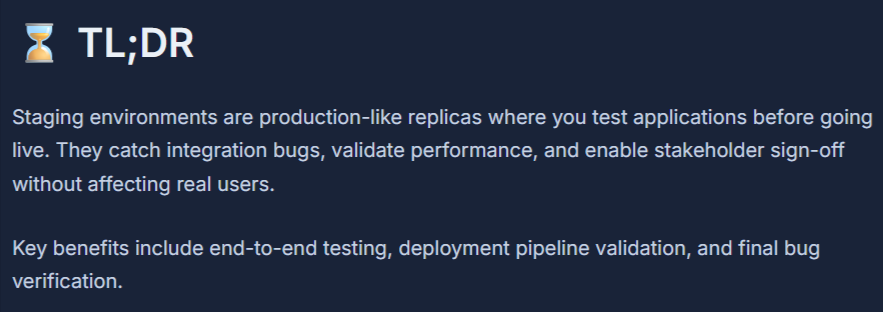
Testing in such environments allows teams to uncover issues that might otherwise go unnoticed, including:
These factors are critical for rollback testing because differences in scale, configuration, or data patterns can make a rollback appear successful in a test environment, yet fail in production.


Capture, Annotate & Share in Seconds with our Free Chrome Extension!
In other words, the fidelity of your staging environment directly impacts the reliability of your rollback tests.
A common challenge in realistic testing is access to production-like data.
One developer reflected on his experience at multiple companies, explaining that legal and privacy concerns often prevent using real production data.
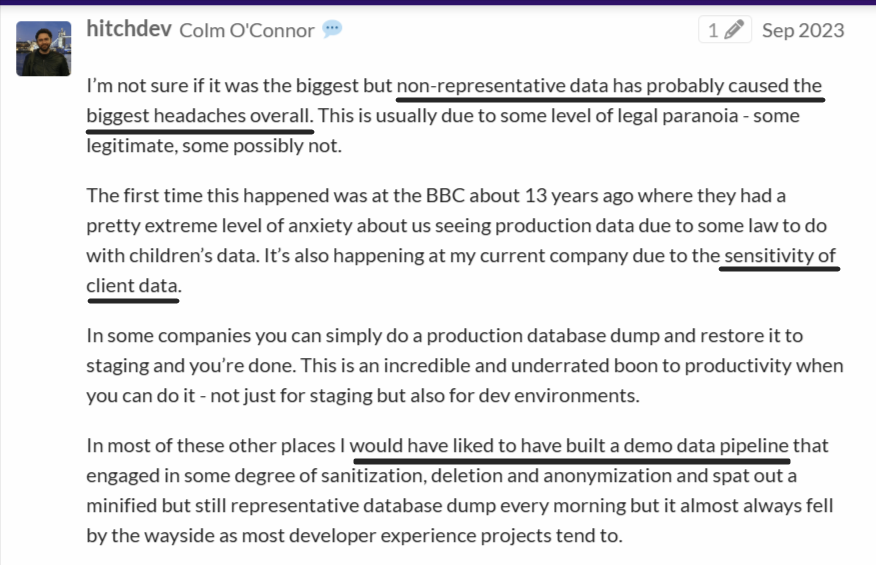
In some organizations, teams can simply perform a production database dump and restore it in staging.
As proposed here, developers can also build demo data pipelines that sanitize, anonymize, or delete sensitive information while generating a minified, representative database dump daily.
This approach preserves the structural and behavioral characteristics of production data without exposing sensitive information, allowing rollback tests to reflect real-world scenarios accurately.
In the end, using realistic environments and representative data ensures that rollback tests are meaningful, reproducible, and capable of revealing environment-specific issues before a release ever reaches production.
Rollback testing should be scheduled intentionally rather than performed only after failures occur.
Think of it like a fire drill.
Regular exercises ensure that all team members understand the recovery process and their specific responsibilities, while also uncovering hidden issues that might go unnoticed during ad-hoc testing.
Moreover, rollback testing doesn’t need to be disruptive.
David Poole, data solutions architect and an author at SQL Server Central, puts it like this:
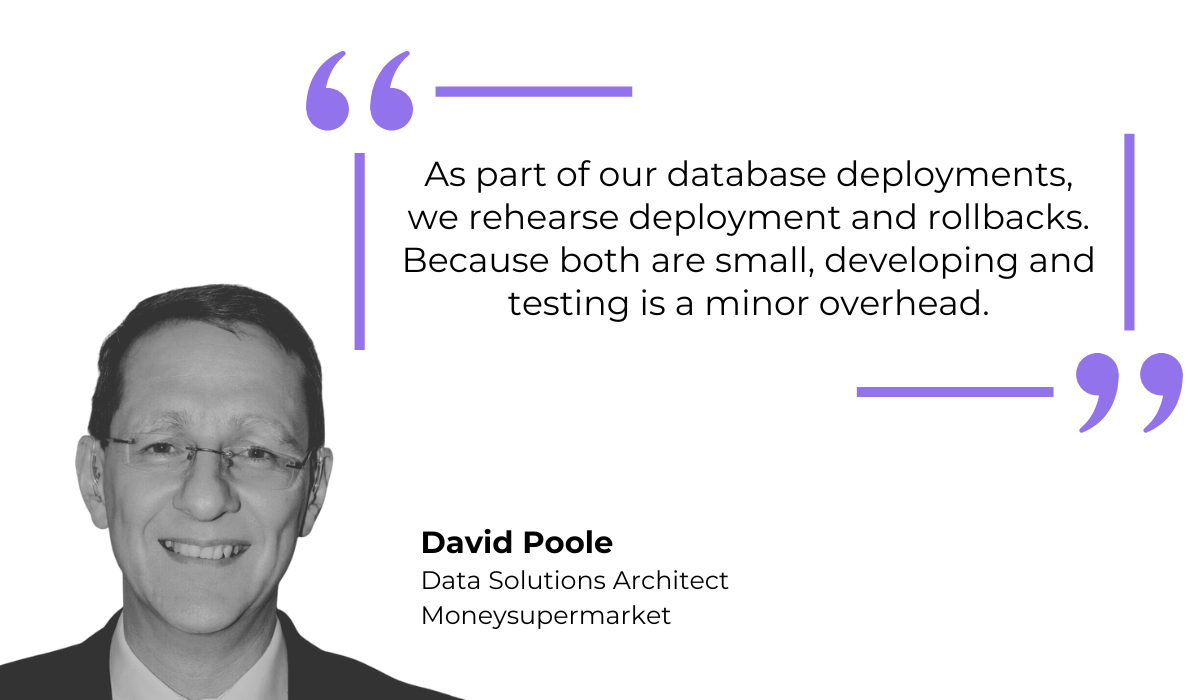
When teams rehearse rollbacks as part of regular, small deployments, the effort becomes minimal, yet the confidence gained is substantial.
Scheduling tests in this way normalizes the procedure and embeds rollback readiness into daily operations.
Rehearsing rollback steps regularly also reinforces the principle that system reliability is not an afterthought.
Over time, teams become faster and more composed when actual incidents occur, reducing downtime and the risk of cascading failures.
The frequency of rollback testing depends on deployment cadence, system complexity, and risk tolerance.
A simple guideline could look something like this:
| Deployment frequency | Recommended rollback test frequency | Additional notes |
| Daily or multiple times per day | Weekly or per sprint | Focus on critical components, with automated tests to help scale |
| Weekly | Bi-weekly or monthly | Include both code and integration rollbacks |
| Monthly or less | Monthly | Consider full system rollback drills for high-risk updates |
Consistent practice ensures that when failures occur, recovery is swift, predictable, and reliable.
And scheduling is an integral part of that.
Even after a rollback is executed successfully, it’s essential to verify that the system has returned to a stable state.
Monitoring key performance metrics not only ensures functional recovery but also helps teams benchmark against industry standards.
Think Google Play’s “Bad Behavior Threshold.” If critical metrics, like crash frequency or error rates, exceed defined limits, it affects the app’s visibility.
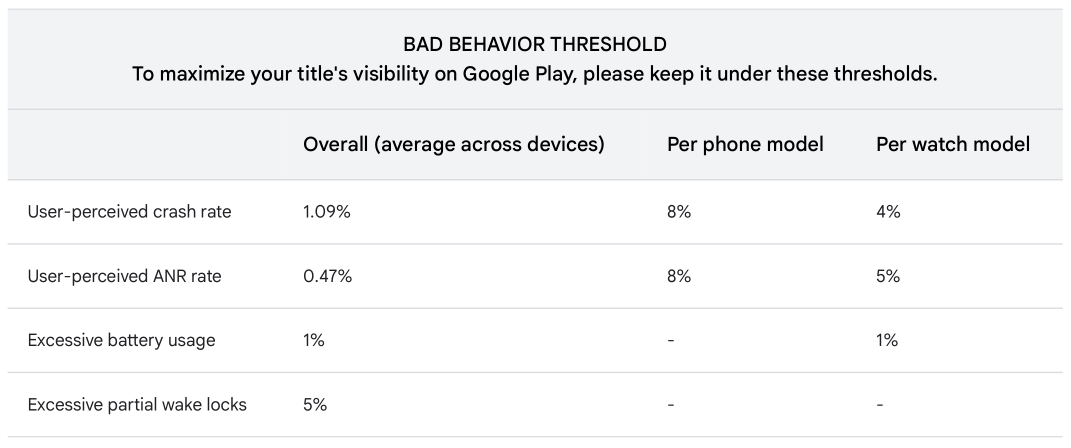
One bad release could easily push you over this threshold and affect the overall success of your app.
But this is where tools like Shake come in.
Shake provides teams with real-time visibility into crashes and user-reported issues, making it easier to assess whether a rollback has fully restored stability.
Following a failed deployment, Shake automatically collects critical context for each crash, including device type, OS version, connectivity status, app version, and other environment details.
Another key feature is the collaborative workspace where developers, QAs, and product managers can review reports together.
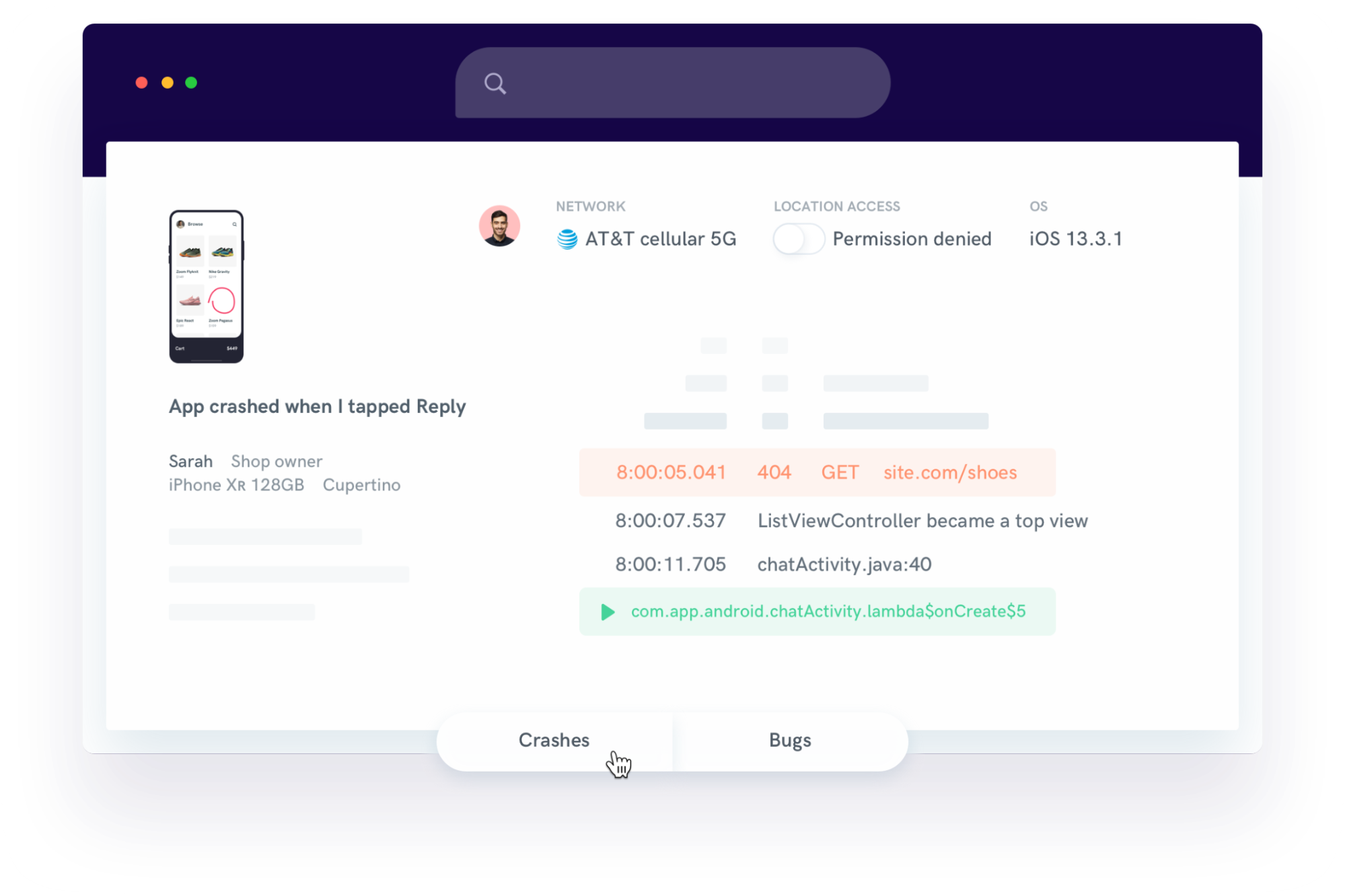
Teams can track issues, share notes, assign crashes, and monitor progress in one centralized interface.
Meanwhile, Shake’s analytics tools help track trends and measure app stability over time. This includes monitoring error rates, crash frequency, and other user-reported issues.
Most importantly, visualizing these metrics makes it easy to detect whether a rollback has restored functionality to acceptable levels or if further intervention is required.
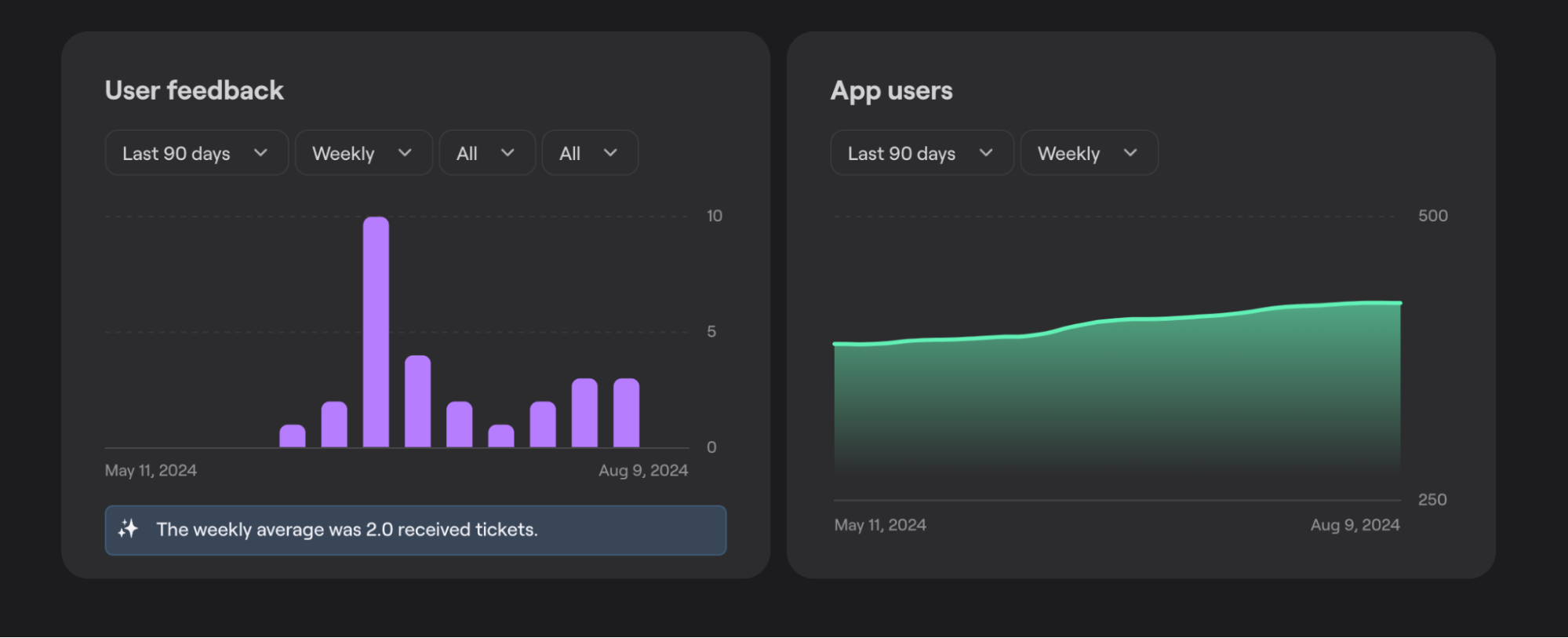
Enhanced visibility and collaboration enable teams to not only confirm rollback success, but also determine follow-up actions and base them on data.
Monitoring with robust tools ensures that your rollback strategy doesn’t just revert changes, but restores confidence and maintains system reliability.
In a nutshell, rollback testing gives teams control when releases don’t behave as expected.
And it’s much more than a theoretical safeguard.
Validating rollback paths in advance helps you reduce uncertainty, shorten recovery windows, and avoid compounding failures during already stressful incidents.
When supported by strong version control, realistic environments, as well as tools that surface real-time system and user signals, rollback testing becomes a core reliability practice that makes a difference.
From internal bug reporting to production and customer support, our all-in-one SDK gets you all the right clues to fix issues in your mobile app and website.
We love to think it makes CTOs life easier, QA tester’s reports better and dev’s coding faster. If you agree that user feedback is key – Shake is your door lock.
Read more about us here.

Add to app in minutes

Doesn’t affect app speed

GDPR & CCPA compliant

Unexpected things pop up
Just like bugs in your app or web 🐛 Fix them now with just one reporting tool.