



Bug reporting takes time. Here’s how AI helps teams work more efficiently

You likely already know that session replays let you see exactly what happens during user sessions.
Maybe you’ve used them to catch bugs or spot unexpected behavior, and they might even be part of your current debugging toolkit.
But have you ever considered why they’re so effective across the entire product workflow?
If not, now’s the time.
We’ll walk you through the core benefits of replay sessions and show how they can help you identify issues and improve your app where it matters most.
Table of Contents
One of the biggest benefits of app session replays is that they show you specific points where users run into usability issues.
So, unlike metrics such as crash rate, memory usage, or average session duration (although these also have a place in debugging!), session replays show you precisely where your users have encountered friction.
As this collaborative LinkedIn post neatly puts it, session replays let you see all the real clicks, scrolls, and hesitations of your users.

These seemingly small moments, which are often invisible to analytics, can include:
These are the types of behaviors that can reveal the gaps between what your app is supposed to do and how it’s actually being used.


Get unreal data to fix real issues in your app & web.
Also, bear in mind that app session replays mean more than mere screenshots or screen recordings accompanied by user notes.
Their accompanying data can cover elements like:
Such an extra layer of details helps you understand why the experience broke down in the first place.
In other words, session replays are the most realistic way to check if your app is truly easy to use.
What’s equally important, they will let you know if the app actually behaves as expected under real-world conditions.
And when your decisions are based on actual user experience instead of assumptions, you can improve flows where needed.
Bugs are inevitable.
They’re so common that developers spend as much as half of their time debugging.
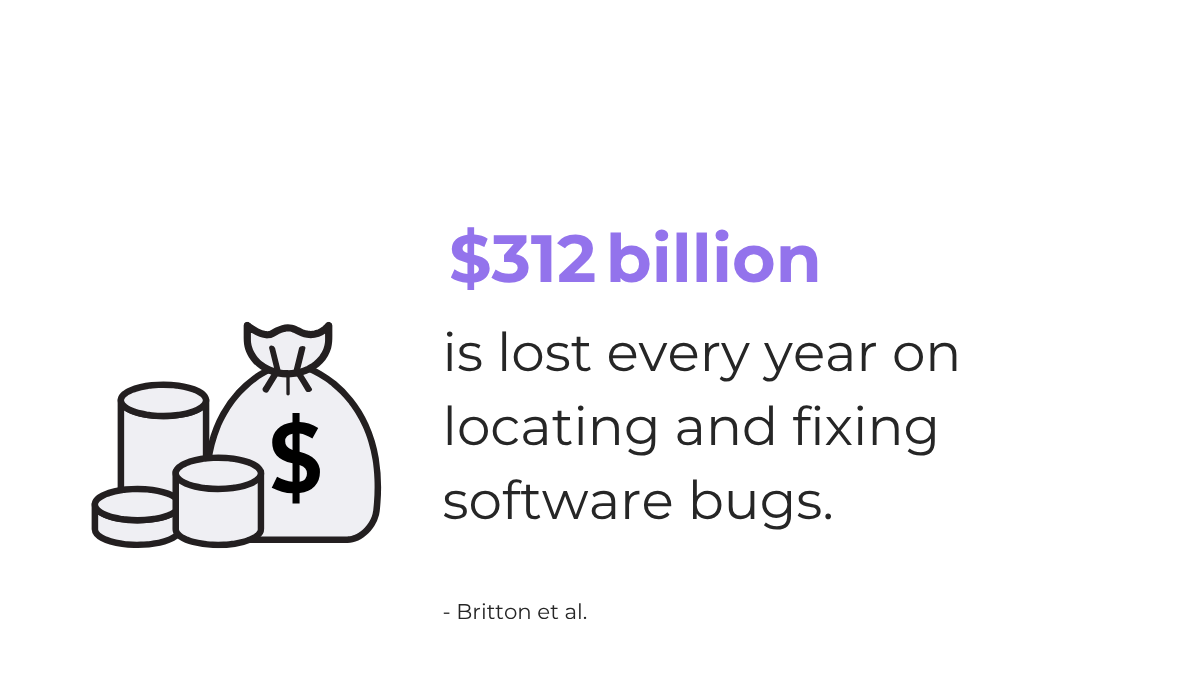
To put things into perspective, that’s $312 billion each year lost on locating and fixing bugs, according to a study on the cost of debugging in software development.
While we can’t eliminate bugs entirely, we can resolve them faster.
And session replays are one of the most effective ways to do that.
Why spend hours trying to reproduce bugs from vague feedback and endless email chains, when you can just watch what happened?
Tools like Shake let you replay user actions and capture the exact conditions that caused a bug, making it much easier to spot and fix issues on the spot.
And it works.
Just take it from our users:
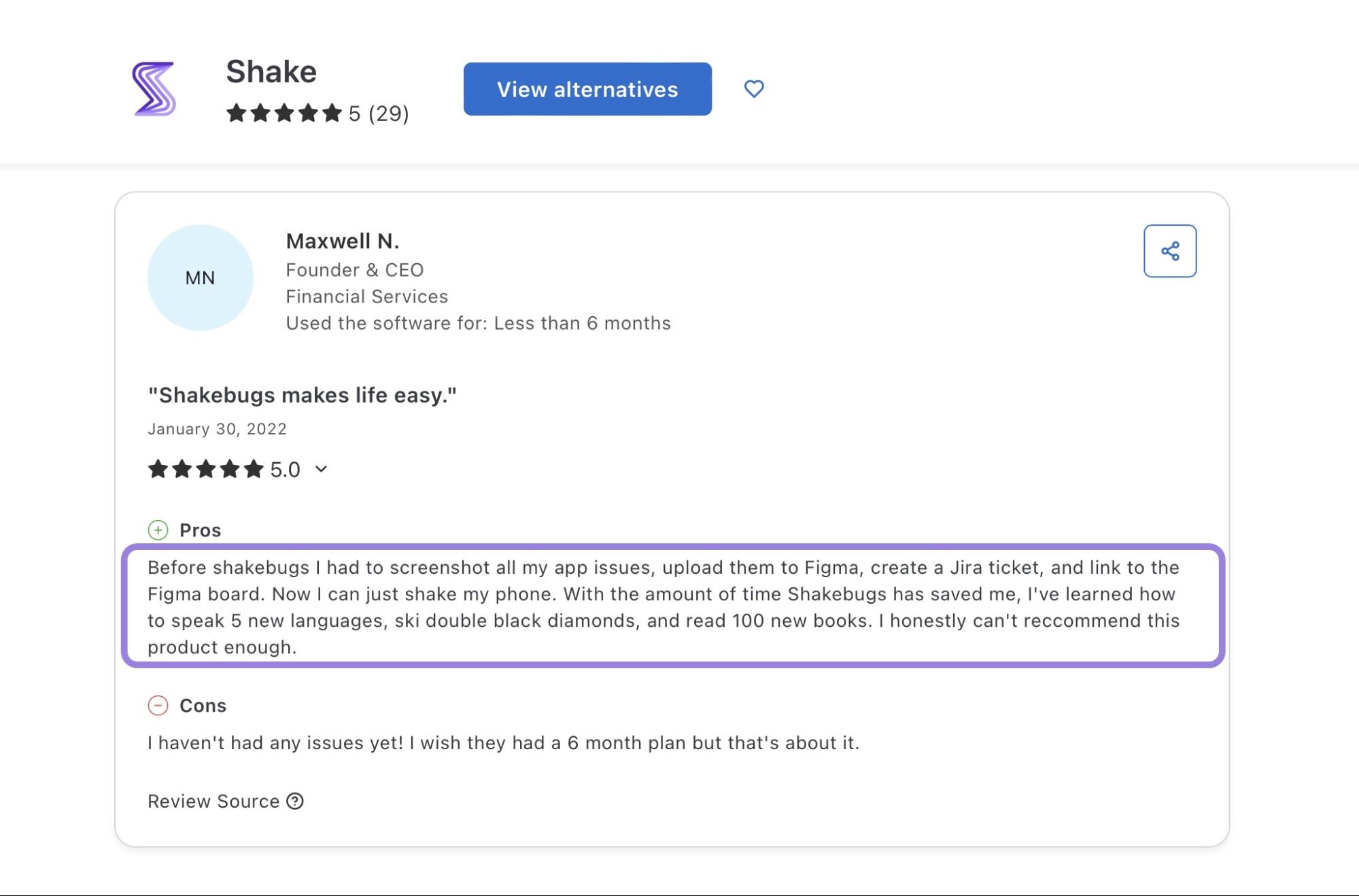
While session replays won’t help you learn five new languages or master skiing, they will save your team hours of manual debugging and miscommunication.
Now, what exactly makes session replays so time-effective?
Here’s a breakdown:
| Benefit | How it helps |
| Instant bug reproduction | Rewatch the exact user actions that triggered the issue. |
| Eliminated guesswork | Instead of digging through incomplete logs, developers get full context in seconds. |
| Fewer follow-up questions | You can reduce repetitive chats with testers or users to clarify what happened. |
| Quicker fixes | With the cause clearly visible, fixes can be shipped sooner. |
Let’s say a user reports that the app froze after uploading a file.
Without a replay, you’d have to ask:
Multiply that by 20 bug reports, and it’s easy to see how days can be lost chasing answers.
With session replay, you have all of the information upfront, without a single email.
That time saved translates directly into faster resolutions, happier users, and more time for product improvements.
App session replay can be a real asset if your product offers customer support.
To see why, it’s best to take a look at what happens without session replays in place.
Take Duolingo, a language learning app, as an example.
Duolingo lets end-users report bugs through the form below.
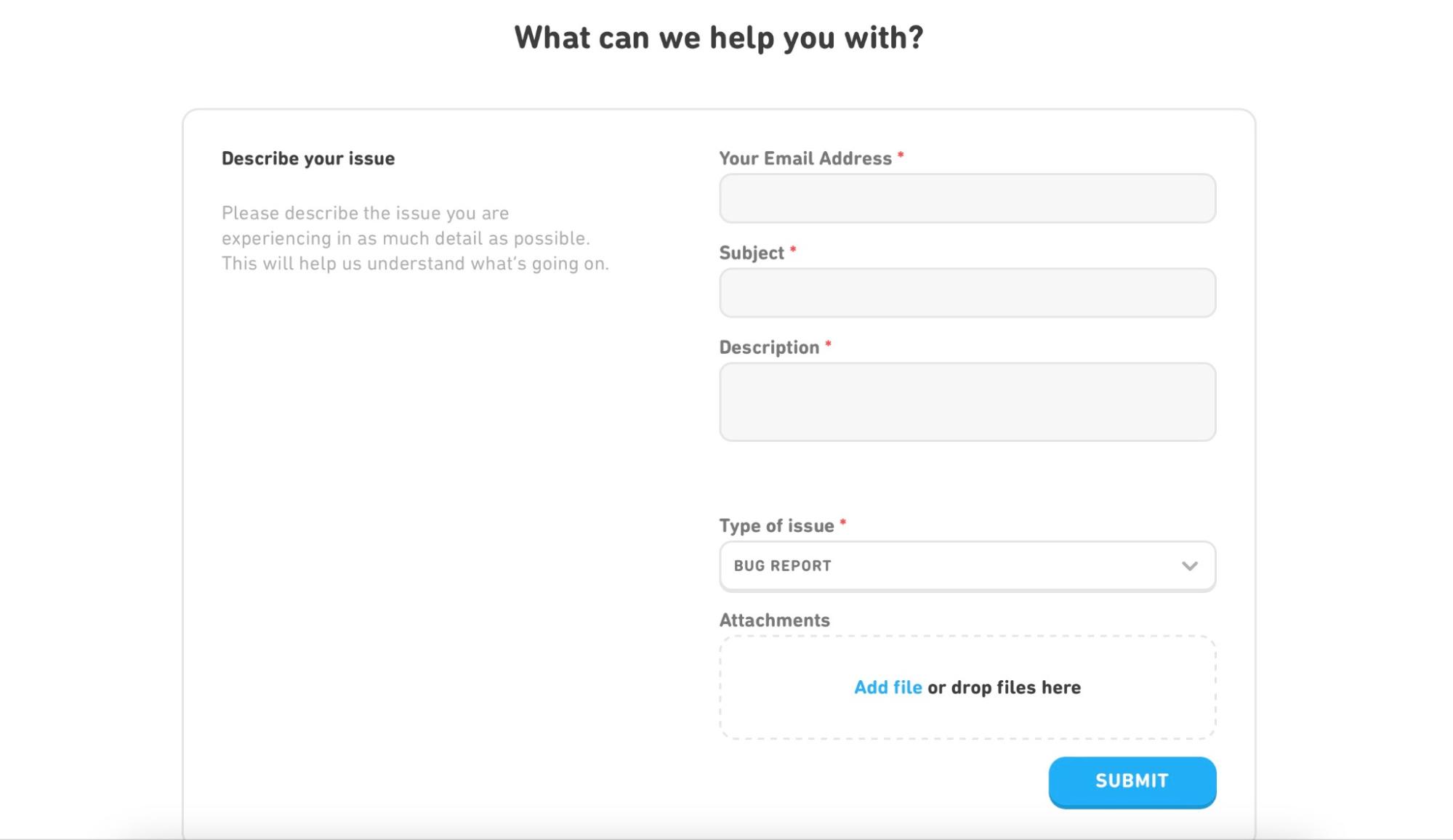
A noble idea, but is it really helpful for either customers or the support team?
Most regular users don’t know what counts as a bug, how to describe it, or what technical details are needed.
They are not testers, and they don’t think in logs, flows, or environments.
So when something breaks or an app crashes, their reports are often vague and inconsistent.
You’ll get messages like:
Make no mistake, these issues are real and deserve attention!
But when a support agent receives such bug reports, they have to play detective.
Without context, they need to ask for screenshots, gather details manually, and then forward everything to developers.
And that’s a lot of friction for everyone involved in the process.


Capture, Annotate & Share in Seconds with our Free Chrome Extension!
To show the difference session replay can make in everyday support workflows, here’s a quick comparison:
| Without replay sessions | With replay sessions |
| Long email chains | Context from one click |
| Confused user reports | Clear visual evidence |
| Developers needed for triage | Support can resolve some issues independently |
So, session replays could be a great way to work around incomplete or poorly-reported issues.
Instead of relying on vague reports, your support team could simply open a replay of the user’s session.
They’ll see what the user did, what screen they were on, what broke, and when.
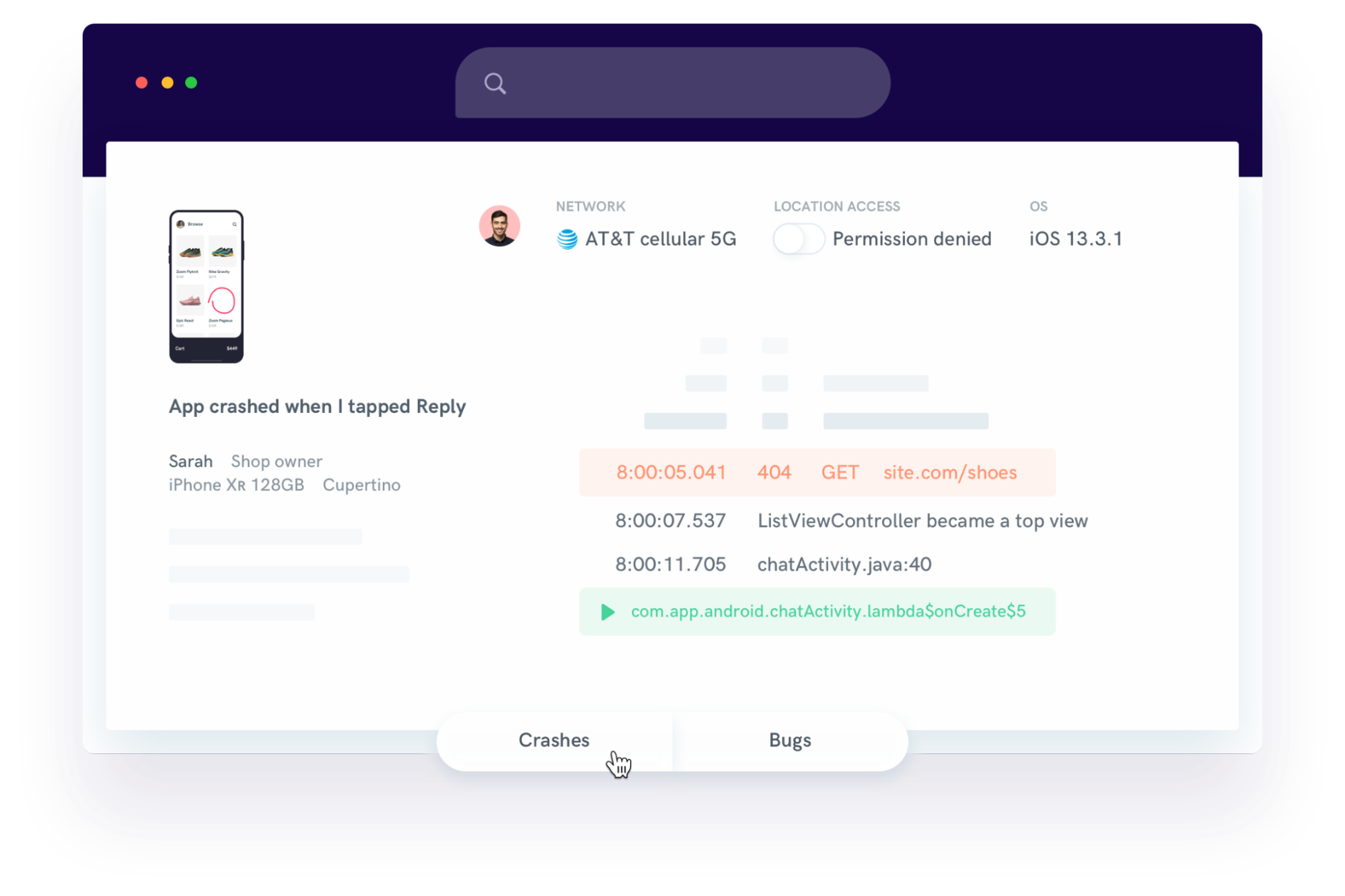
This means fewer follow-up emails, faster first-contact resolution, and less developer involvement in minor support issues.
Essentially, if customer support is a part of your app strategy, session replay is one of the easiest ways to make your team more efficient without hiring more people.
And speaking of user and customer experience, let’s look at another area where session replay makes a big impact: keeping your users around.
Most apps lose users quickly.
In fact, 77% of daily active users stop using an app within the first three days after installation.
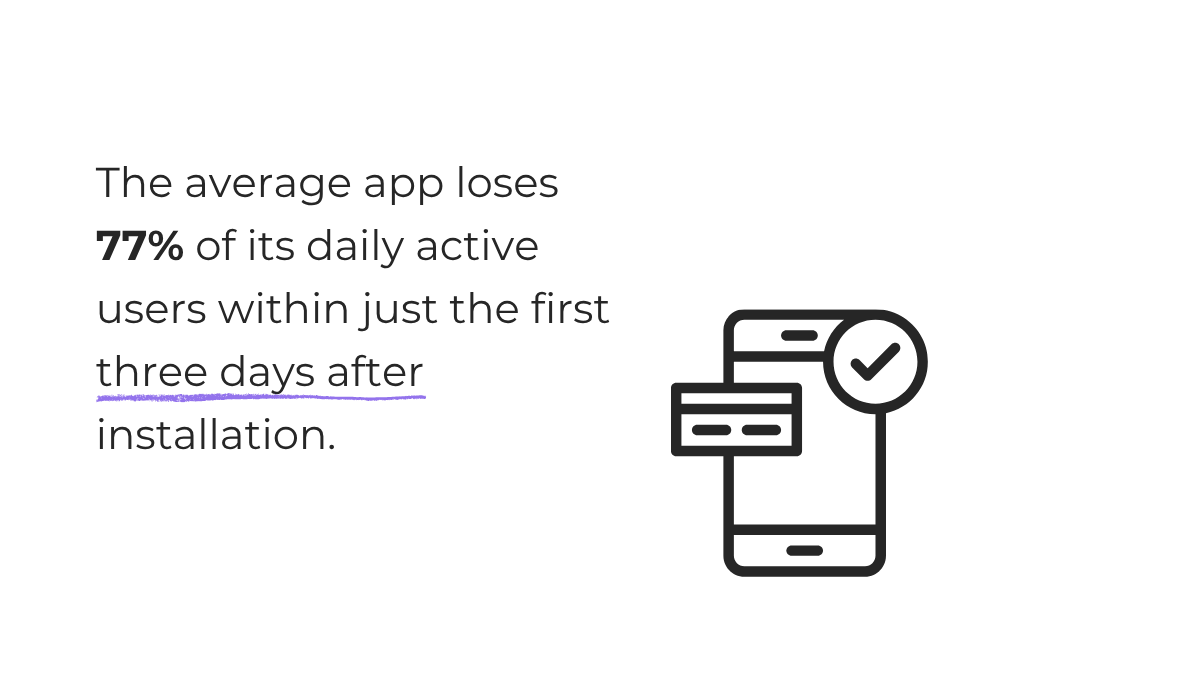
That’s a steep drop, and it shows how little time you have to make a strong first impression.
Fortunately, you can improve retention if you understand where users are stumbling, especially if you catch those issues early during testing.
Since session replays let you observe exactly how users move through your app, you can see where they pause or where they drop off altogether.
For example:
These might sound like edge cases, but in reality, they can be core reasons for app abandonment.
With session replay, details like these become clear.
Here’s how replays help your team improve retention:
Once you can pinpoint the reasons that make people abandon the app, you can work on removing these points, ultimately motivating users to continue using your app.
Even small tweaks, like renaming a button or reordering a signup screen, can make a big difference when you know where users are struggling.
As we’ve seen, depending on end users to explain what went wrong can be unreliable.
That’s why structured testing is vital for catching bugs early.
Still, even in well-organized testing environments, feedback from testers may not be enough.
For instance, you could receive a comment like this from a tester:
“Login page throws an error after form submission. Sometimes the screen goes blank or the loading spinner never disappears, but it doesn’t happen every time. Happens intermittently on Android.”
It sounds helpful—until you try to reproduce it.
What kind of error? Was the button double-tapped? Was the user already logged in?
Even when testers are experienced, it’s easy to overlook key reproduction details, especially when bugs are subtle or inconsistent.
As Chaparro et al. observed in their study on quality of bug reports:
“A major problem with user-written bug reports, indicated by developers and documented by researchers, is the (lack of high) quality of the reported steps to reproduce the bugs.”
Session replay solves this problem by capturing the full picture.
Rather than relying on partial descriptions, you can simply watch what went wrong.
That way, you don’t have to wait for users or testers to respond to your follow-up questions, and your conversations with testers don’t have to look like this:
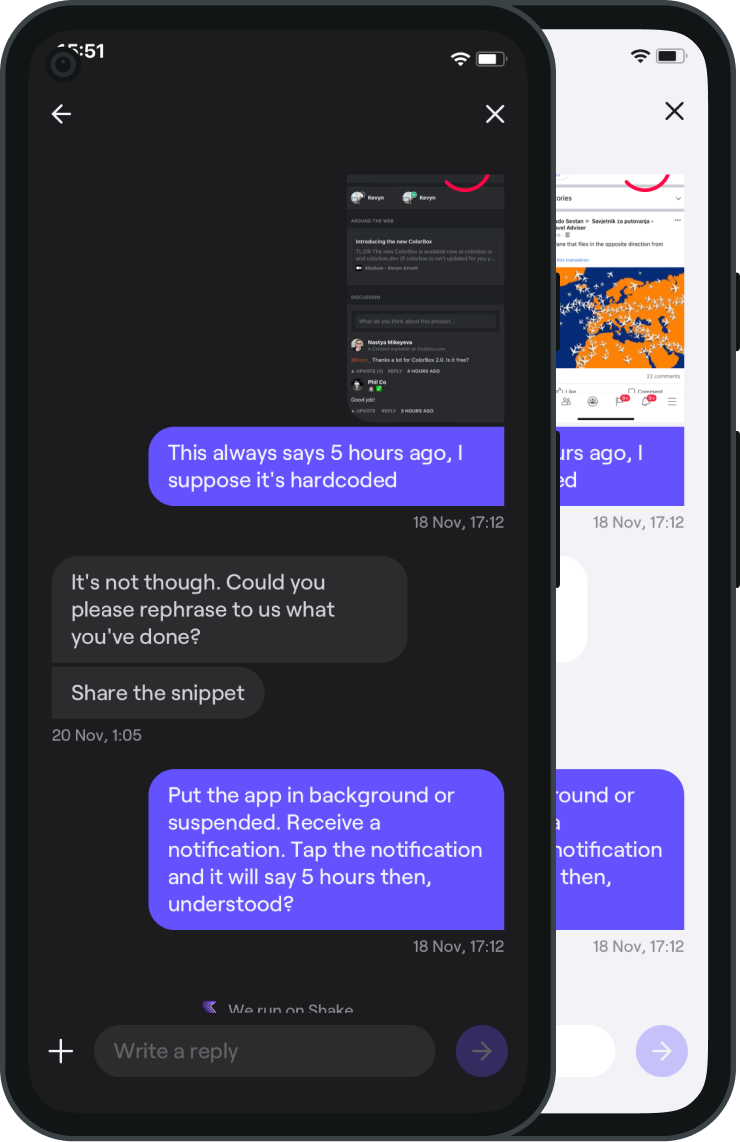
Instead, you get full visibility.
You can see:
You also see what didn’t happen—issues users would never know to mention.
That missing tooltip or silent failure won’t appear in a bug report, but it’s clear in a replay.
With session replays, you’re not just seeing the outcome.
You’re seeing what the user expected, what they experienced, and exactly where the flow broke down.
There’s no need for clarification emails, vague reproductions, or second-hand assumptions.
You already have everything you need to diagnose the issue accurately.
And that level of insight simply can’t be captured in a bug report, no matter how well-written it is.
Does all of this mean that you no longer need testers and their crash or bug reports?
Not at all!
You still need to explore your app, catch edge cases, and flag issues.
But with session replay, all the input you get from users and testers becomes more meaningful, as it gives you specific pain points to work from.
Instead of relying solely on notes or screenshots, you get to see exactly what happened in every test.
That means fewer misunderstandings, faster fixes, and more confidence in the product that your team is building.
So, if you’d like to take the guesswork out of debugging, session replay is a powerful step forward.
From internal bug reporting to production and customer support, our all-in-one SDK gets you all the right clues to fix issues in your mobile app and website.
We love to think it makes CTOs life easier, QA tester’s reports better and dev’s coding faster. If you agree that user feedback is key – Shake is your door lock.
Read more about us here.

Add to app in minutes

Doesn’t affect app speed

GDPR & CCPA compliant

Unexpected things pop up
Just like bugs in your app or web 🐛 Fix them now with just one reporting tool.
