






Bug reporting takes time. Here’s how AI helps teams work more efficiently
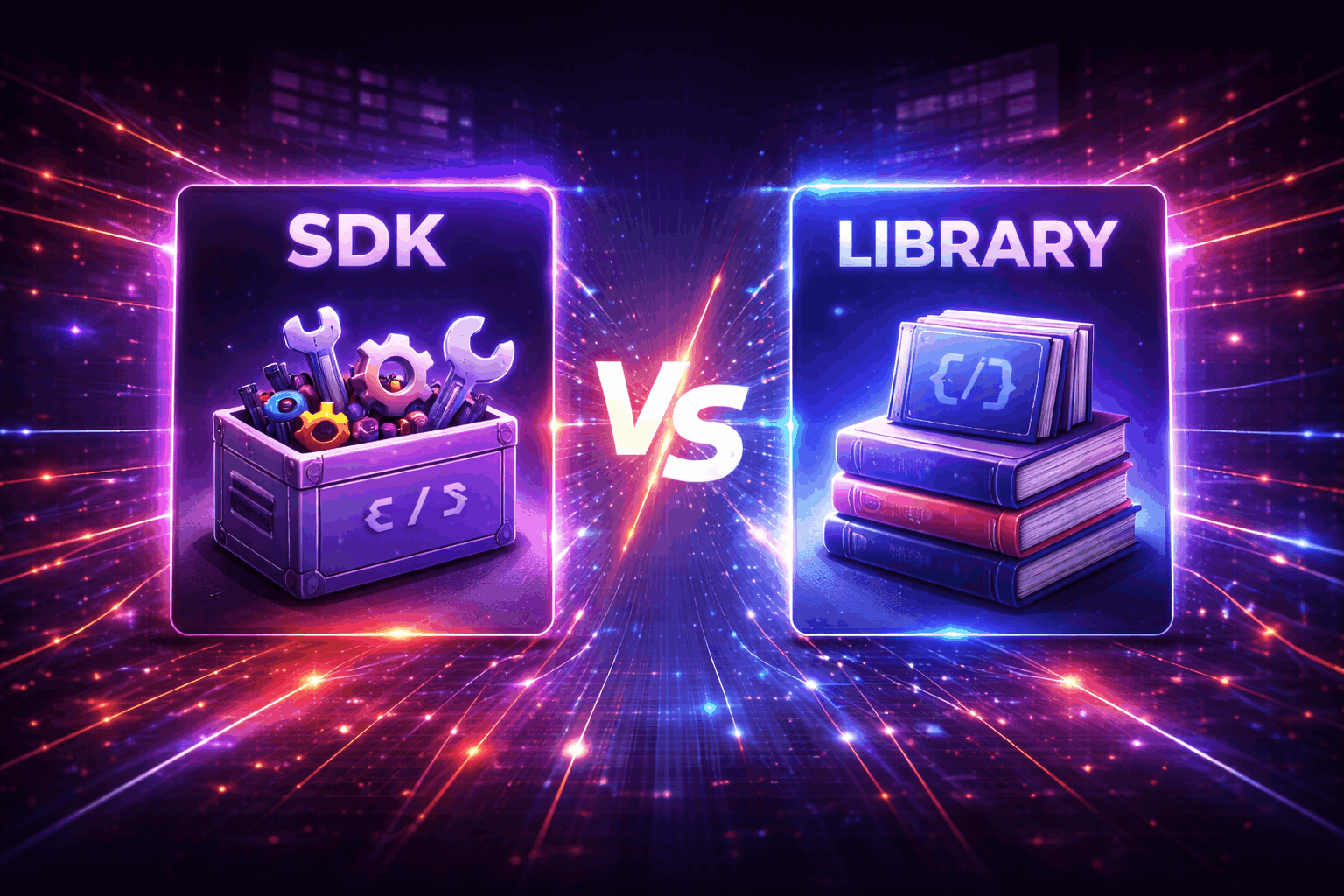
SDKs and libraries serve as cornerstones of modern software development.
While both streamline key tasks, their roles can get blurred, creating confusion over when to use one or the other.
By understanding how the two differ and where each excels, you’ll be better equipped to speed up processes and build more reliable, scalable applications.
Let’s jump right into it.
Table of Contents
A library is a collection of pre-compiled code modules or functions that developers can use to save time and add specific features to their applications.
Instead of writing everything from scratch, devs “borrow” functions from a library to perform tasks like handling strings, managing input/output, or processing network requests.
This, in turn, ensures greater efficiency and optimization.
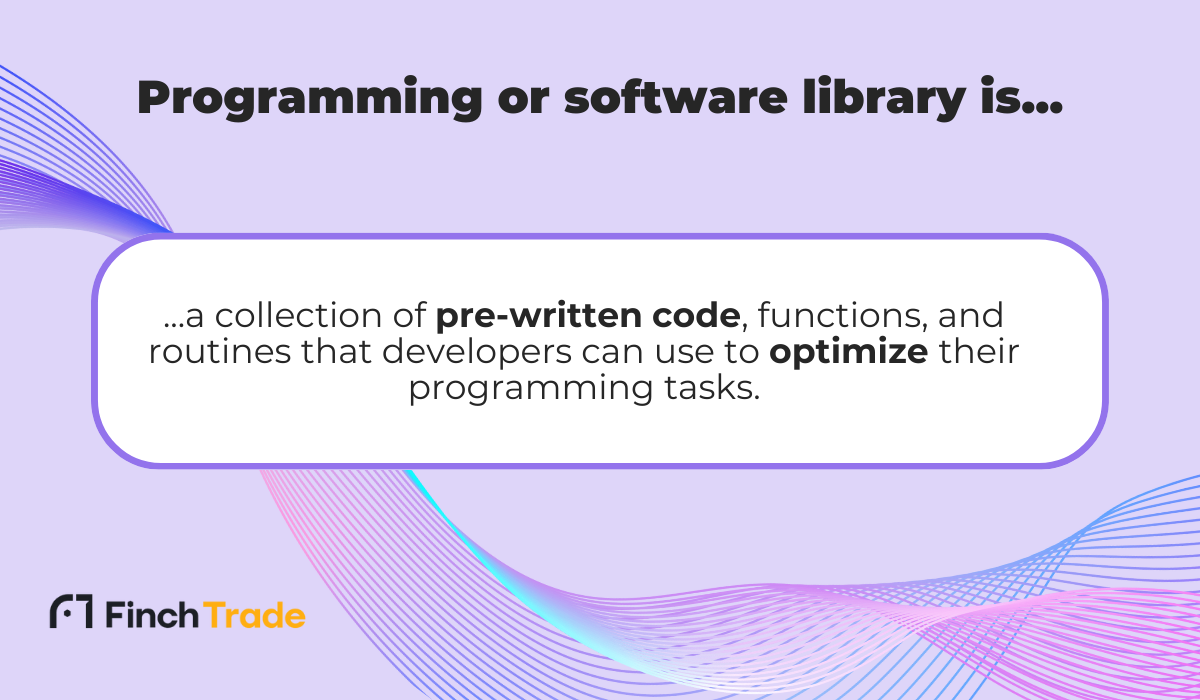
The ability to speed up development, extend app functionality, and reduce bugs makes libraries indispensable in Android development and across most programming ecosystems.
So why are some developers hesitant to rely on libraries?
Much of it boils down to worries that using “too much ready-made code” will prevent them from learning the fundamentals.
While it’s true that writing simple functions yourself is a good learning exercise, doing everything from scratch is both impractical and risky when it comes to production environments.
That’s why Mitchell Alderson, a software engineering and cloud architecture consultant, argues for “battle-tested” code instead:


Get unreal data to fix real issues in your app & web.
“I also used to avoid libraries because it felt like “cheating”. […] The more I worked on production code, the more I realized that simplicity and “battle-testedness” were worth way more than my ability to write a complicated algorithm.”
Imagine you want to find the last time a certain letter appears in a word.
You could write a program to check each character one by one—or you could simply use an existing library function, like findLastIndex(‘x’), and get the result instantly.
That small example captures the essence of libraries: they save time, reduce errors, and make code cleaner.
A good principle when using libraries is to keep them focused.
As one Reddit user notes, each component requires a separate library:
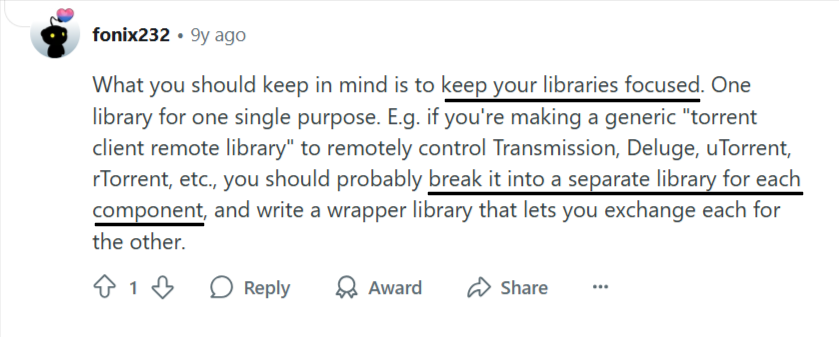
After all, relying on a library that tries to cover every use case means taking extra time to fish out the relevant code.
Countless third-party libraries solve everyday dev tasks, from network communication and image loading to database management.
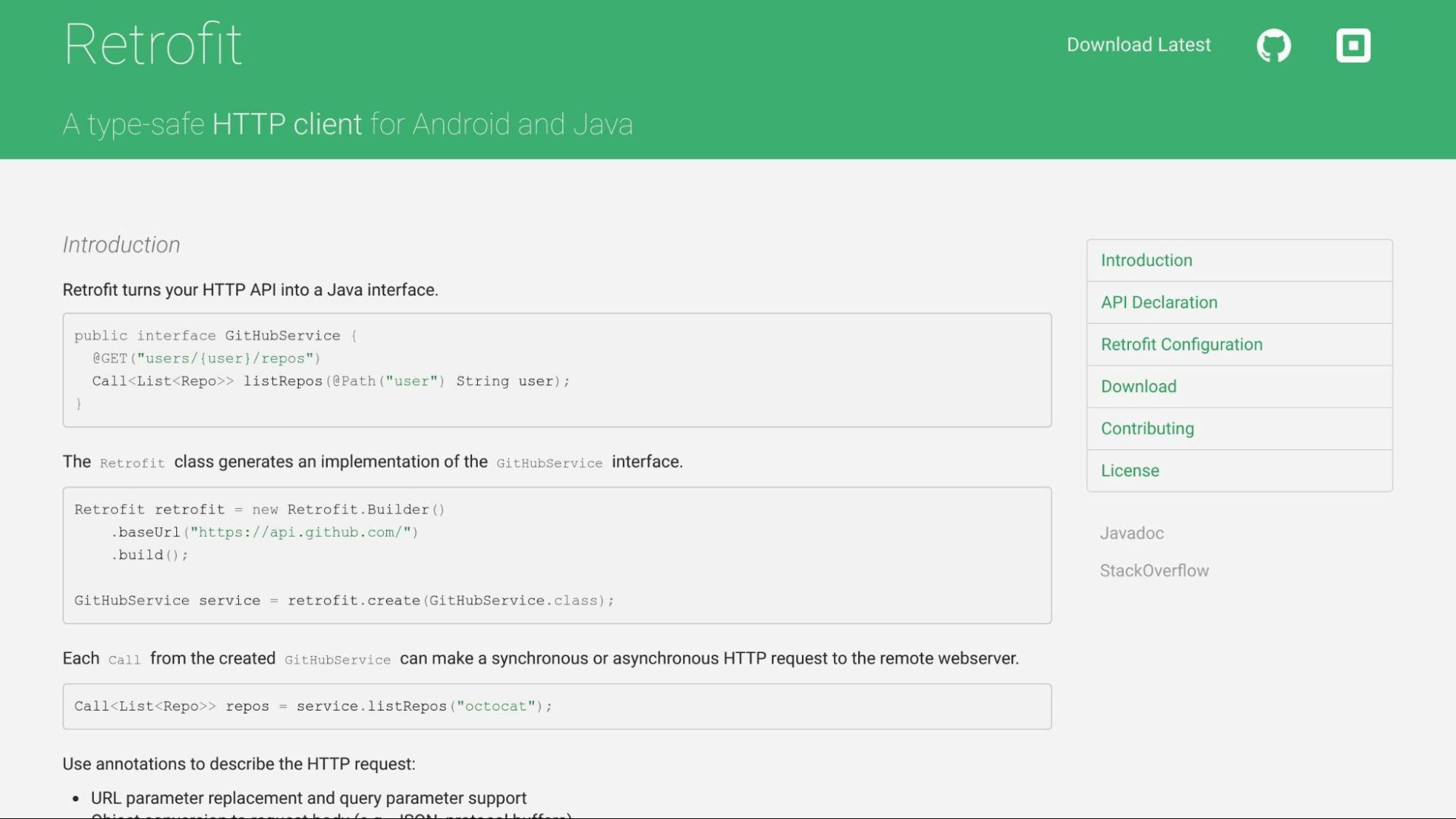
For example, in Android development, Retrofit is widely used for network communication.
Retrofit reduces boilerplate code for making API calls, improves readability, and has been a go-to solution for years thanks to strong community support.
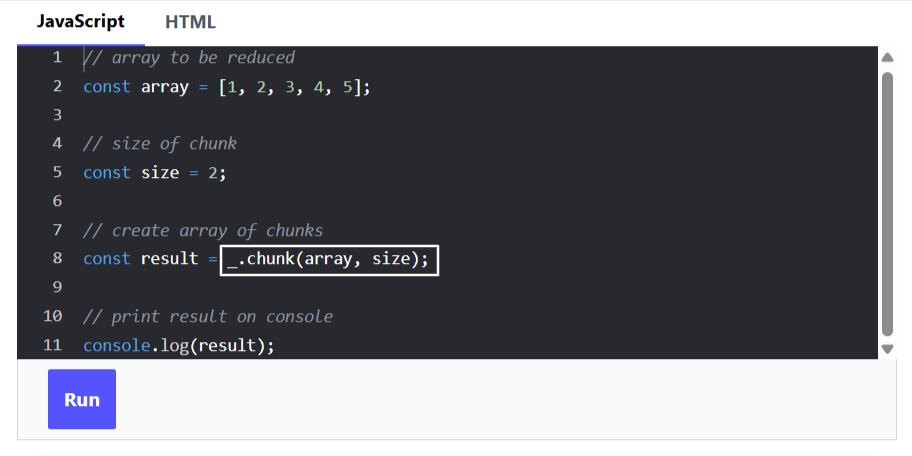
In the JavaScript ecosystem, Lodash is a utility library that simplifies coding with functions like _.isEqual (for deep comparisons) and _.chunk (to split arrays into smaller groups).
The _.chunk() method in Lodash is used to reduce an array into multiple chunks, where each chunk is also an array of a specified size.

Here’s how _.chunk() works in practice:
To sum up, libraries offer clean, reusable blocks of code suitable for a variety of programming contexts.
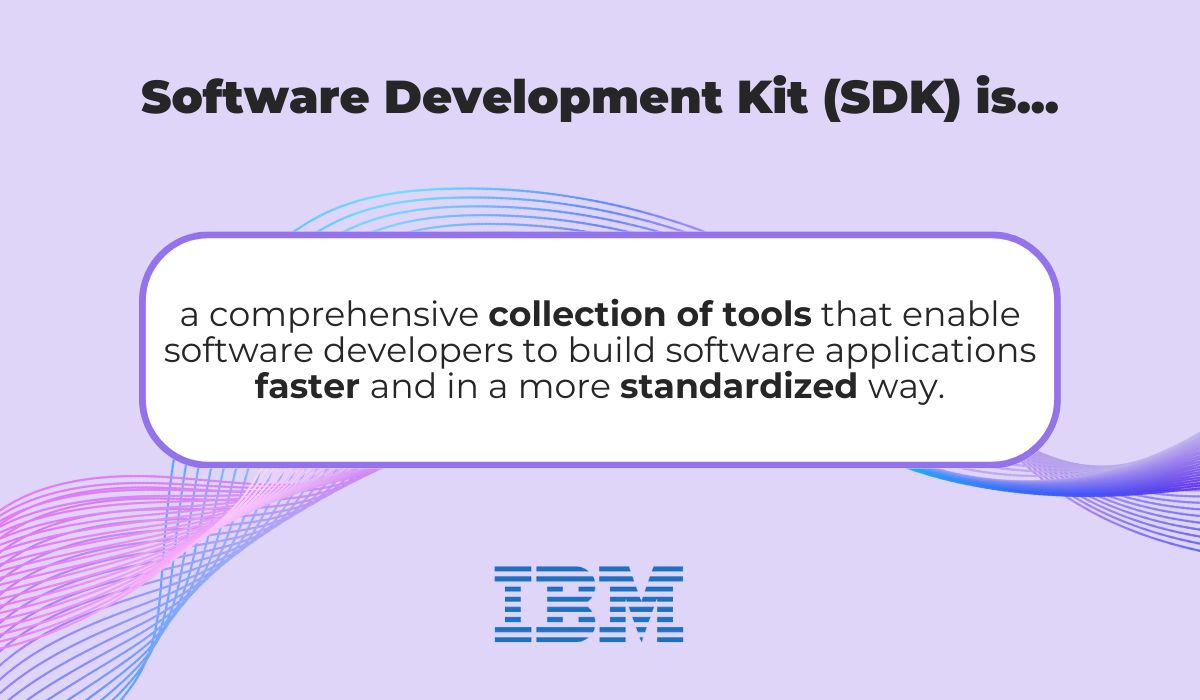
SDK stands for Software Development Kit—a comprehensive package that includes tools, libraries, documentation, and sample code to help developers build applications for specific platforms.
In practice, an SDK’s role is to simplify and standardize the development process.
But unlike libraries, which focus on a single function, SDKs bundle together everything needed to work with a particular operating system, service, or framework.
Rather than piecing together different tools, developers get a ready-made set of resources designed to speed up coding, improve consistency, and reduce errors.
While there are multiple use cases, some common examples include:
Another major example is the AWS SDK, which allows developers to interact with Amazon Web Services’ cloud infrastructure in a way that’s easier, faster, and less error-prone.
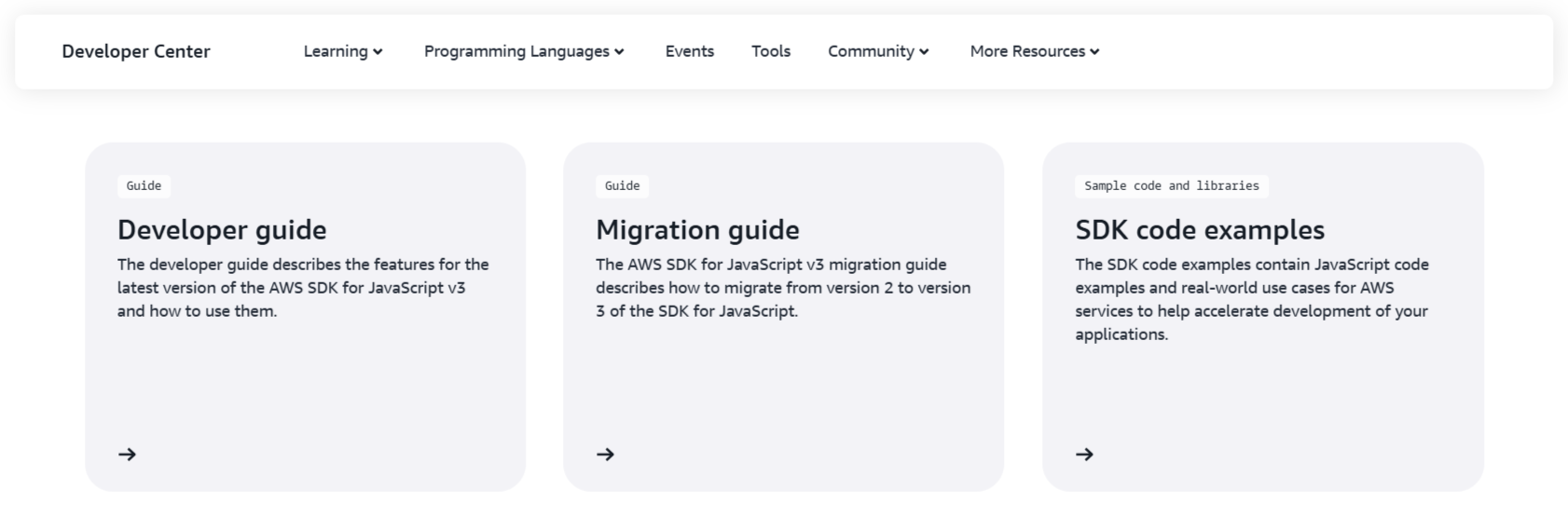
The AWS SDK is available in multiple programming languages: Java, Python, JavaScript, Ruby, Go, and more.
It even supports mobile platforms like iOS and Android.
All in all, SDKs are designed to make the development process as frictionless as possible, which is why their quality often comes down to intuitiveness, documentation, and support.
Instead of worrying about technical hurdles, teams can stay focused on building features and delivering value.
This principle becomes especially clear with debugging SDKs like Shake.


Capture, Annotate & Share in Seconds with our Free Chrome Extension!
Debugging is notoriously time-consuming, requiring developers to collect logs, retrace steps, and guess at conditions that caused the crash.
Without a unified system, bugs must be tracked across multiple tools, slowing collaboration and delaying fixes.
Shake’s SDK addresses this issue with a range of features, most notably by automatically attaching critical context to every bug report, including device model, OS version, connectivity status, and more.
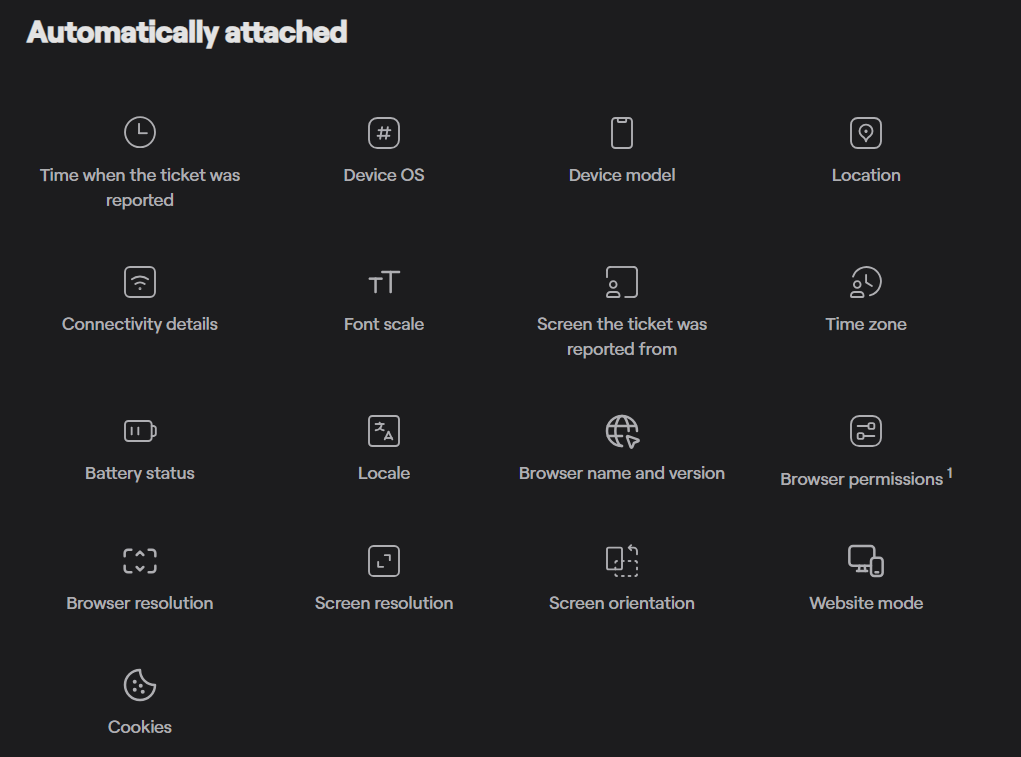
Having this information available upfront means teams can investigate breakdowns far more efficiently, without the need for chasing down logs or reproducing issues manually.
Because SDKs are embedded directly into an app, they also enable real-time crash and issue tracking.
Think of it as being able to see problems unfold as they happen, analyze trends, and understand patterns in your app’s stability.
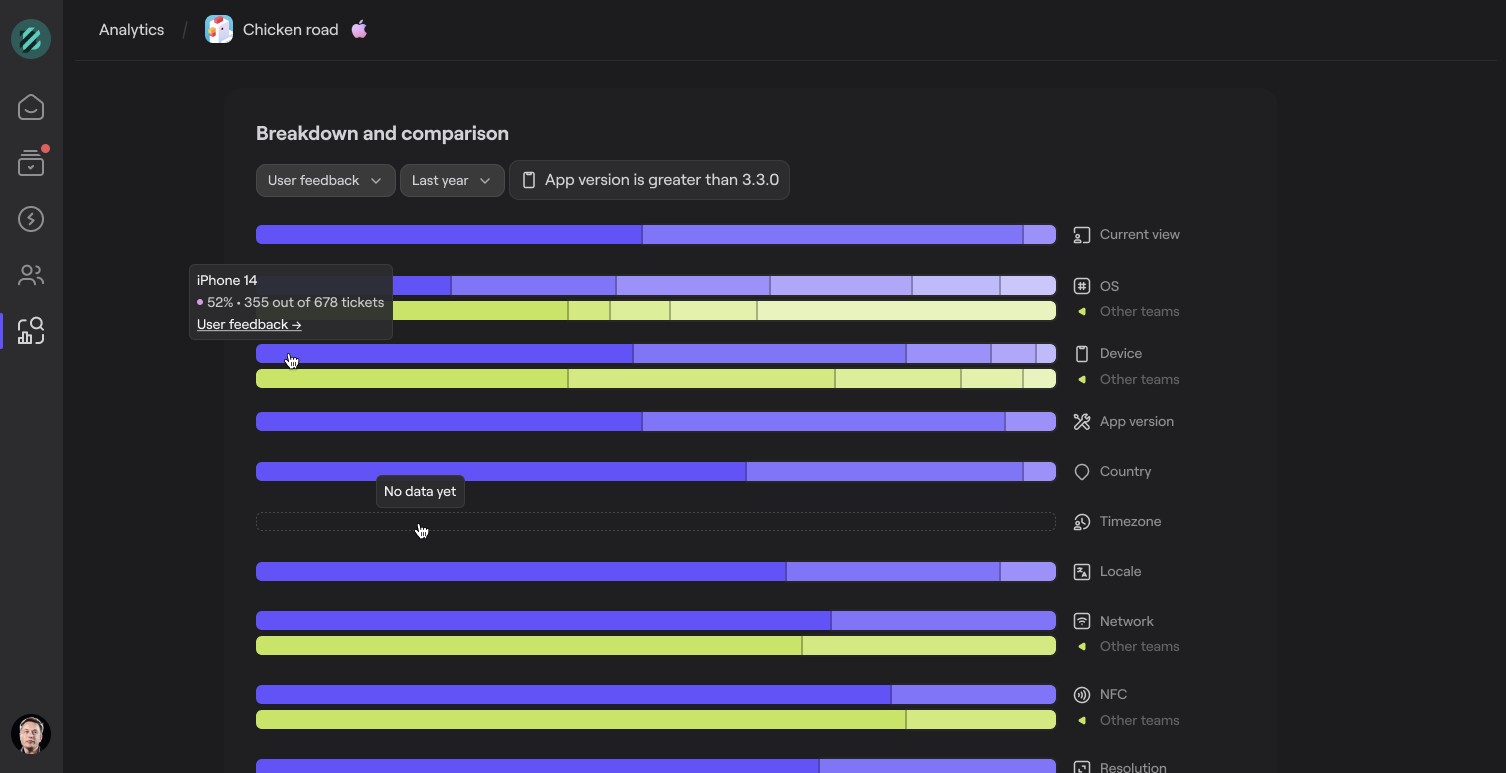
SDKs like Shake can be configured to capture user feedback, as well as attach visual evidence to reports.
Having a short video recording of the user’s screen leading up to the crash means that your team can see exactly how it broke, dramatically reducing time-to-fix.
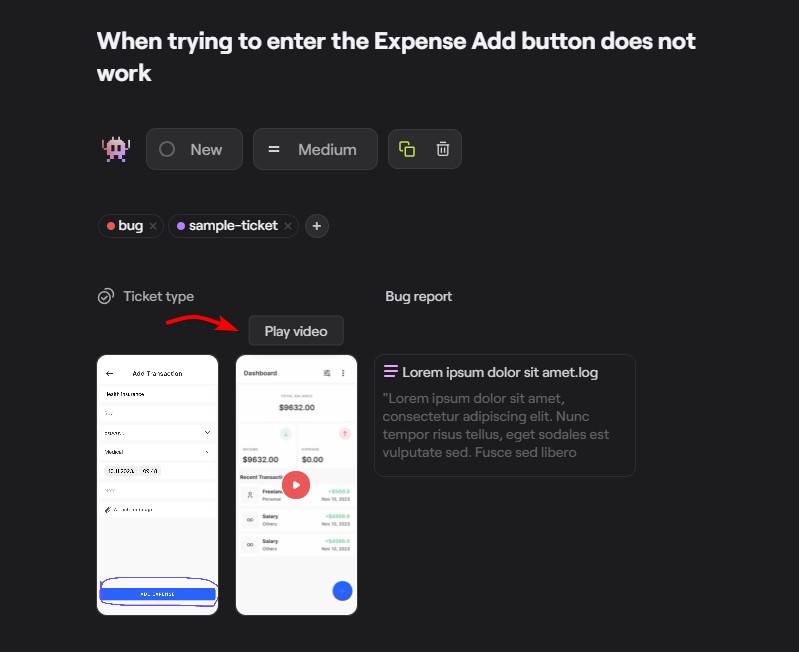
This context is invaluable, especially in enterprise environments where app reliability directly impacts revenue or customer trust.
In short, SDKs give developers an integrated toolkit to build faster and smarter, actively improving app quality and user satisfaction.
Understanding the distinctions between SDKs and libraries is essential for anyone working with code.
While libraries deliver pre-built code modules that enhance functionality, SDKs bundle a comprehensive set of tools and resources for building applications end-to-end.
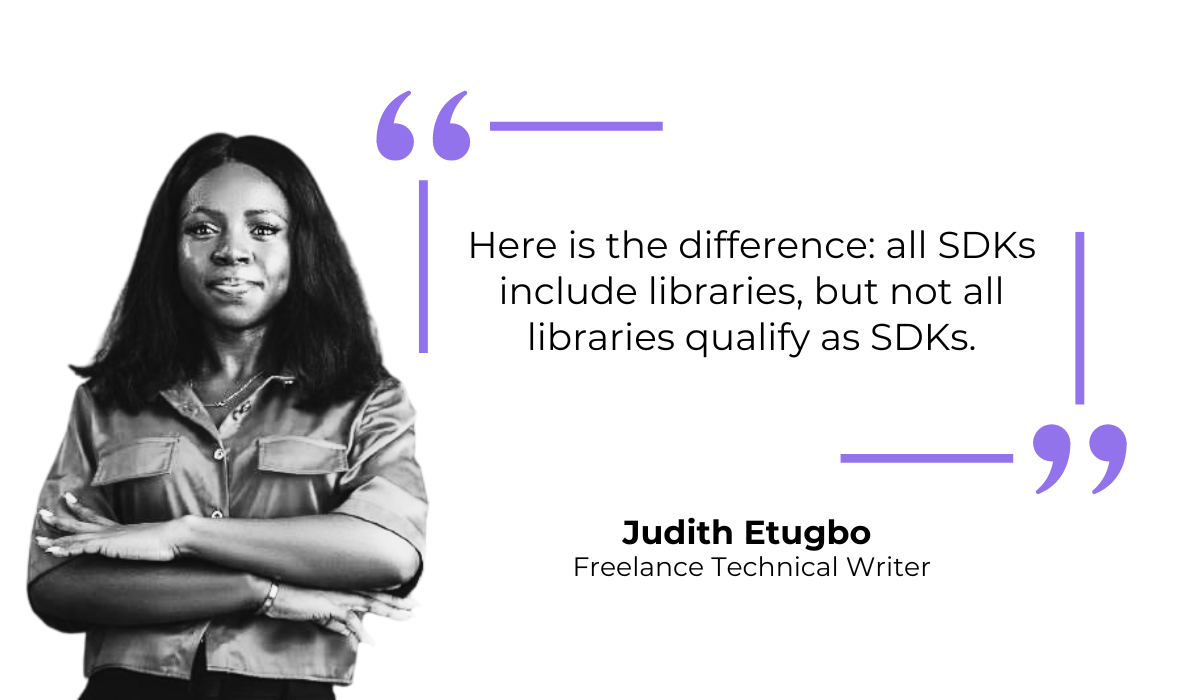
Judith Etugbo, a freelance technical writer, summarizes it neatly:
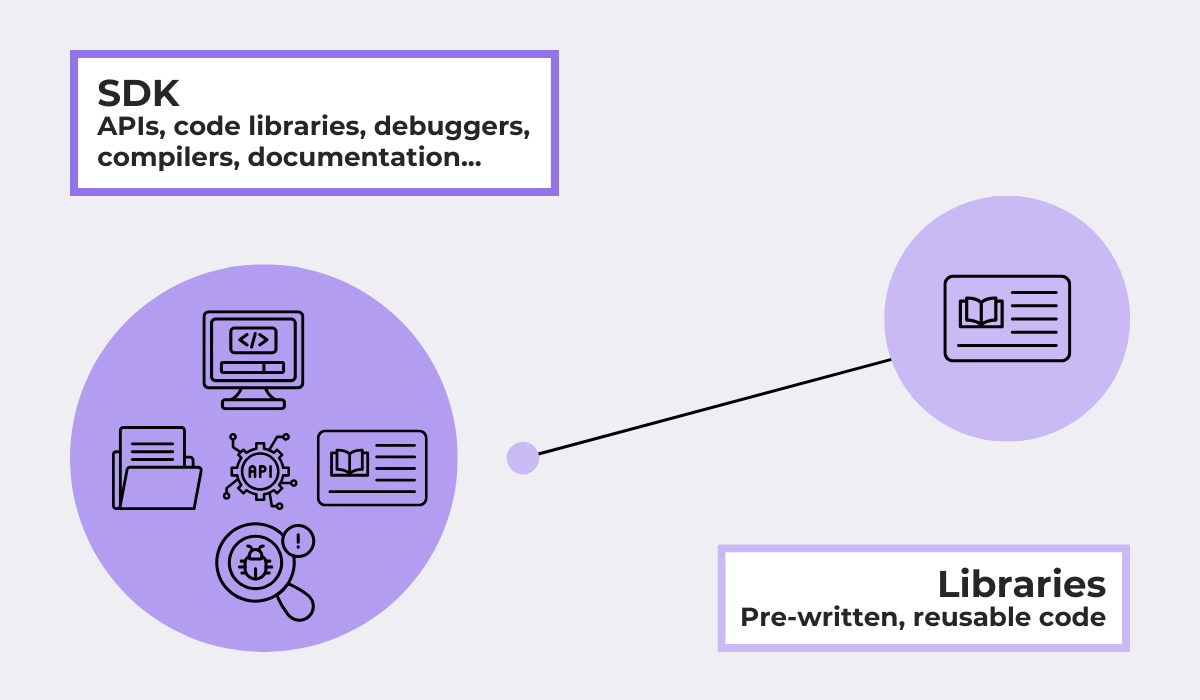
In other words, SDKs are toolkits, whereas libraries are specialized parts found within them.
A library usually addresses one narrow scope—be it string handling, network calls, or array manipulation—giving developers lightweight, reusable code.
To call back to the previous examples, Retrofit streamlines HTTP requests, while Lodash offers various utility functions.
You could swap them out for alternatives, or even code the logic yourself, but the point is efficiency and reliability.
SDKs, by contrast, are broad toolkits.
They package not just libraries, but also APIs, documentation, emulators, debuggers, and configuration files.
This difference in scope becomes even clearer when visualized:
Libraries are simple add-ons. You decide how and when to use them, and they won’t impose much structure on your project.
This makes them flexible and lightweight, which is ideal when you only need targeted functionality without additional overhead.
Conversely, SDKs come with a guided workflow.
By embedding into your app, they establish a set of conventions around how certain tasks have to be handled.
That can reduce friction, but it also means that devs can’t go beyond certain rules.
To go back to the AWS SDK example, ensuring a simpler integration with cloud infrastructure means that you’ll be working within AWS’s paradigms rather than building your own.
Here are the key points at a glance:
| Category | Library | SDK |
| Scope | Narrow scope, aimed at solving a specific problem | Broad toolkit providing a full development environment |
| Complexity | Simple add-on | Bundles multiple tools |
| Contents | Reusable code only | Code + APIs, debuggers, emulators, docs |
| Usage | Flexible, devs control how and when it’s used | Guided workflow, devs follow the platform’s structure |
| Dependency | Standalone, general-purpose | Bundled, platform-specific |
Of course, the “libraries vs SDKs” conversation doesn’t revolve around determining which is superior, but rather in choosing the right tool for the job.
In short:
It’s also worth noting that both can coexist.
In fact, an app built with an SDK usually depends on multiple libraries.
For instance, an Android app may rely on the Android SDK but still include Retrofit or Glide for networking and image loading.
Ultimately, the key is to align the tools with the problem you’re solving.
Libraries give you precision and flexibility for minimal cost, while SDKs deliver integration and speed at scale.
This is why both continue to be indispensable today.
Choosing between SDKs and libraries isn’t about finding the superior option, but picking the right tool for the task at hand.
Will a lightweight library give you the speed you need, or does your project call for the structure of an SDK?
Most developers will use both along the way to ensure maximum efficiency.
And that’s the key takeaway here:
By matching the right tool to the right moment, you can make development simpler, faster, and more effective.
From internal bug reporting to production and customer support, our all-in-one SDK gets you all the right clues to fix issues in your mobile app and website.
We love to think it makes CTOs life easier, QA tester’s reports better and dev’s coding faster. If you agree that user feedback is key – Shake is your door lock.
Read more about us here.

Add to app in minutes

Doesn’t affect app speed

GDPR & CCPA compliant

Unexpected things pop up
Just like bugs in your app or web 🐛 Fix them now with just one reporting tool.
