





Bug reporting takes time. Here’s how AI helps teams work more efficiently
Key takeaways:
Software releases don’t always go as planned.
One small misfire is enough to break features, slow performance, and push users to the brink of jumping ship.
That’s why rollbacks matter.
This article explores what it means to hit “undo” and when, how rollbacks differ from quick patches, and which tools can help your team recover fast and with confidence.
Table of Contents
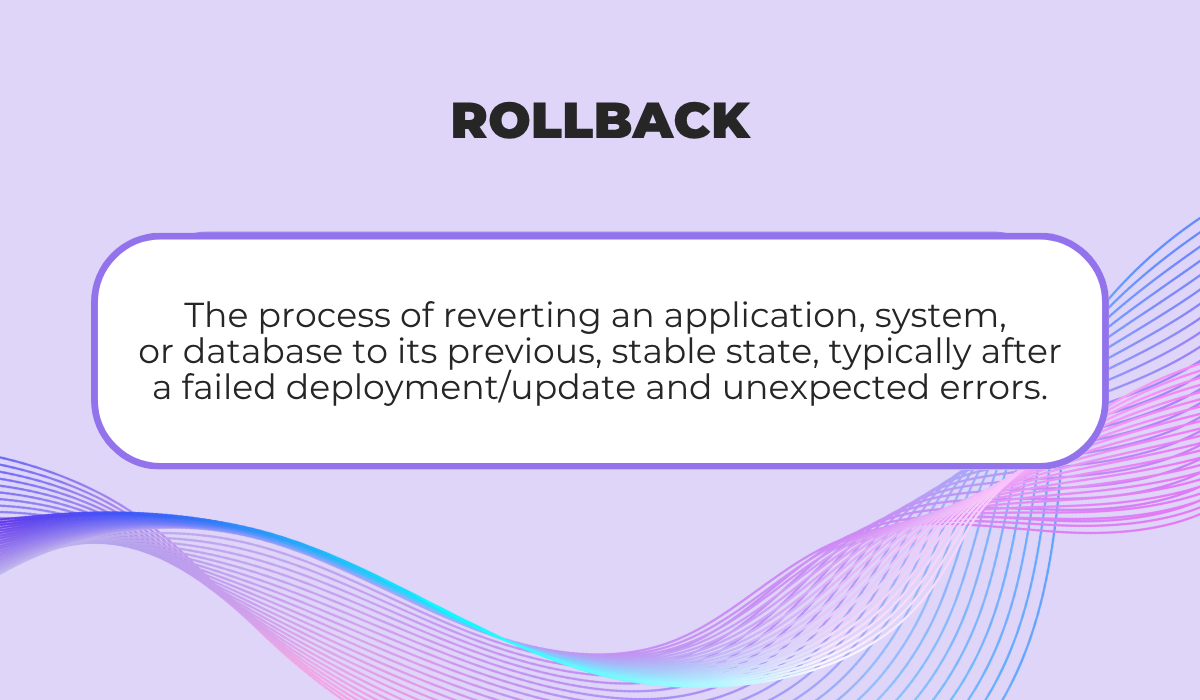
Let’s start with the basics: A rollback is the process of reverting a system, application, or deployment to a previous stable version after a new update introduces problems.
In simplest terms, it’s the “undo” button for software deployments.
Rollbacks are a built-in safety mechanism relevant and used across multiple domains, from application deployment and database management to version control systems.
Rollbacks are typically performed due to several common triggers.
It can be a new release causing downtime or crashes, critical bugs surfacing after deployment, or users reporting broken features.
Alternatively, integration points with other services have started to fail, requiring urgent reaction.
Brian Gale, a contributor on SQL Server Central, notes that most rollback requests stem from newly discovered bugs, which are commonly found only after an update has already hit production.
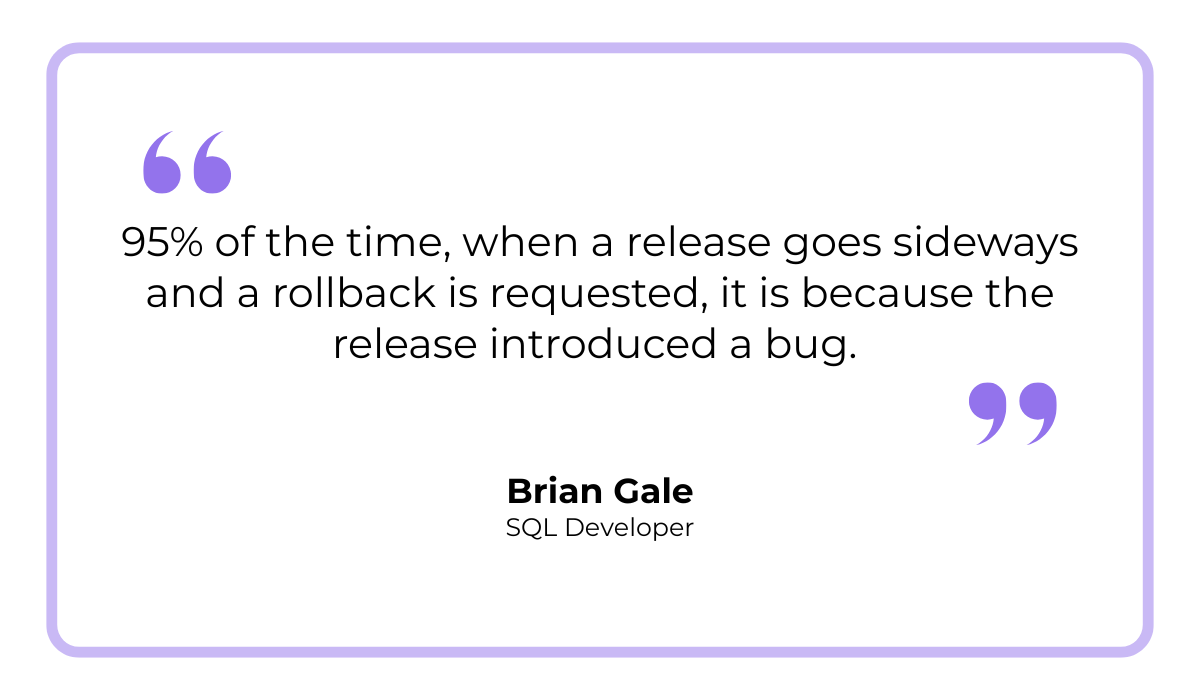
Gale adds that the key decision here is whether to fix the bug on the fly or to roll the release back entirely.
That trade-off between speed and stability can have major consequences for uptime, user experience, and team velocity.
And the larger the user base, the greater the stakes, as illustrated by a recent example from Microsoft.
In June 2024, the company pulled its Windows 11 KB5039302 update after users began reporting endless reboot loops post-installation.
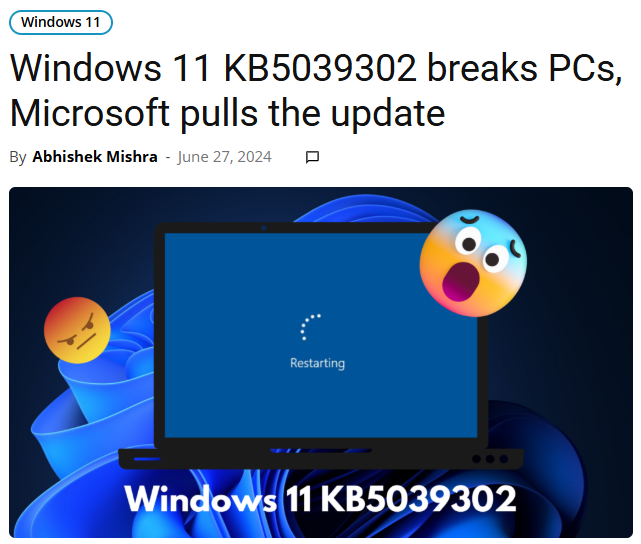
Since the investigation determined that the issue affected all Windows 11 23H2 and 22H2 users running Pro and Enterprise editions, Microsoft temporarily paused the update’s availability.


Get unreal data to fix real issues in your app & web.
As soon as the problem was contained, they resumed the rollout to users not running virtualization software.
But here’s something important to keep in mind: While rollbacks can be seen as a last resort, they’re also a sign of mature release management.
Even large, experienced teams occasionally ship imperfect code.
What matters the most is having a clear, tested rollback path to minimize damage when things go wrong.
Of course, not all rollbacks look the same.
Here’s an overview of the main types of rollbacks used in software development:
| Type | Definition | Use case |
| Full rollback | Reverts the entire system or app to its previous stable version. | When a release causes widespread or critical failures that can’t be patched quickly (e.g., uninstalling a faulty OS update). |
| Partial rollback | Reverts only the faulty component or module. | For isolated issues affecting a specific microservice, data file, or configuration, rather than general deployment stability. |
| Phased rollback | Gradually reverses the release across users or environments. | When rollback must be controlled and monitored to avoid further disruption (e.g., reverting only part of the user base while monitoring results). |
In short, rollbacks are a core part of resilient deployment strategies, and understanding their types and triggers lays the groundwork for using them effectively.
As we’ve established already, you can think of rollbacks as your team’s safety harness in situations where a release doesn’t go as planned.
Let’s zoom in on the three main reasons why rollbacks matter so much.
Rollbacks act as a critical safety net for development teams, helping you protect data integrity and ensure stability while minimizing disruption.
Think of it this way: When a new app version unexpectedly crashes, corrupts data, or introduces breaking bugs, rolling back is what lets you stop the bleeding fast.
Instead of scrambling to patch in production, you can restore a working version and contain the problem before it grows into a larger outage or a loss of user trust.
And here’s something worth keeping in mind: the more complex your release, the greater the need for a well-defined rollback plan.
As one SQL Server Central contributor pointed out, in some sectors like government or finance, rollback planning and clear strategies are a requirement.
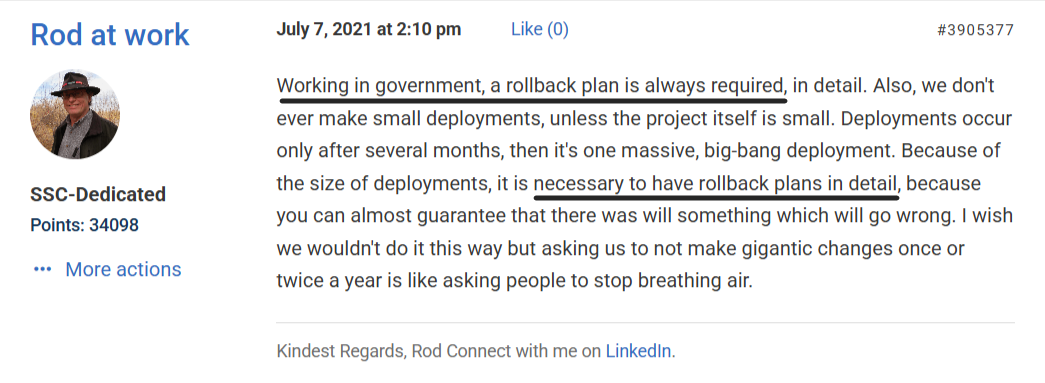
Having rollback mechanisms embedded into your release workflow dramatically reduces deployment risk, which is why any major release benefits from it.
After all, there are simply too many moving parts to trust that every update will go perfectly the first time.
Effective rollback boils down to the three integral components outlined below.
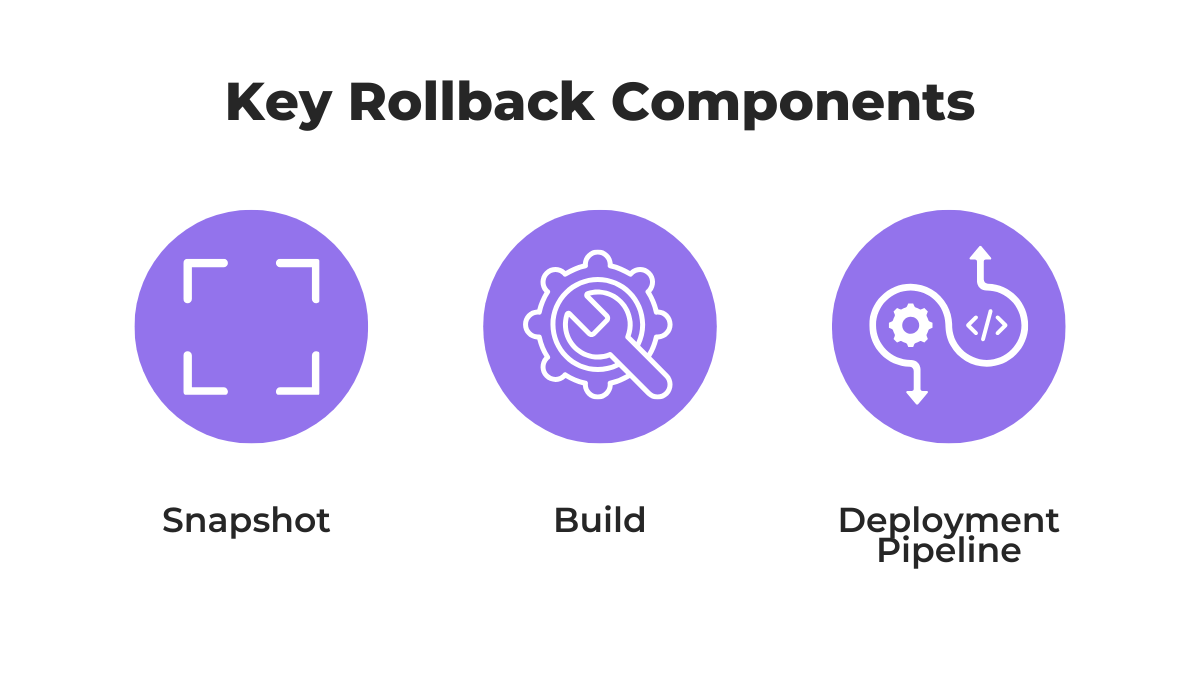
Snapshot captures your system’s state at a given moment so you can revert precisely to that point, while build ensures you’re rolling back to the correct compiled version of your app.
Finally, a deployment pipeline automates how rollbacks are triggered and executed within your CI/CD process.
Even once you’ve contained the problem, rollback strategies continue to play a role in keeping your systems steady.
Rollbacks are key to maintaining stability in a live app environment, where even a small disruption can ripple into user frustration, API failures, or data inconsistencies.
When a new release introduces bugs or unexpected behavior, users might face slow responses, broken features, or full-blown downtime.
And that’s where a rollback comes in.
It leaves users with a stable version instead of a broken app while enabling your team to investigate.
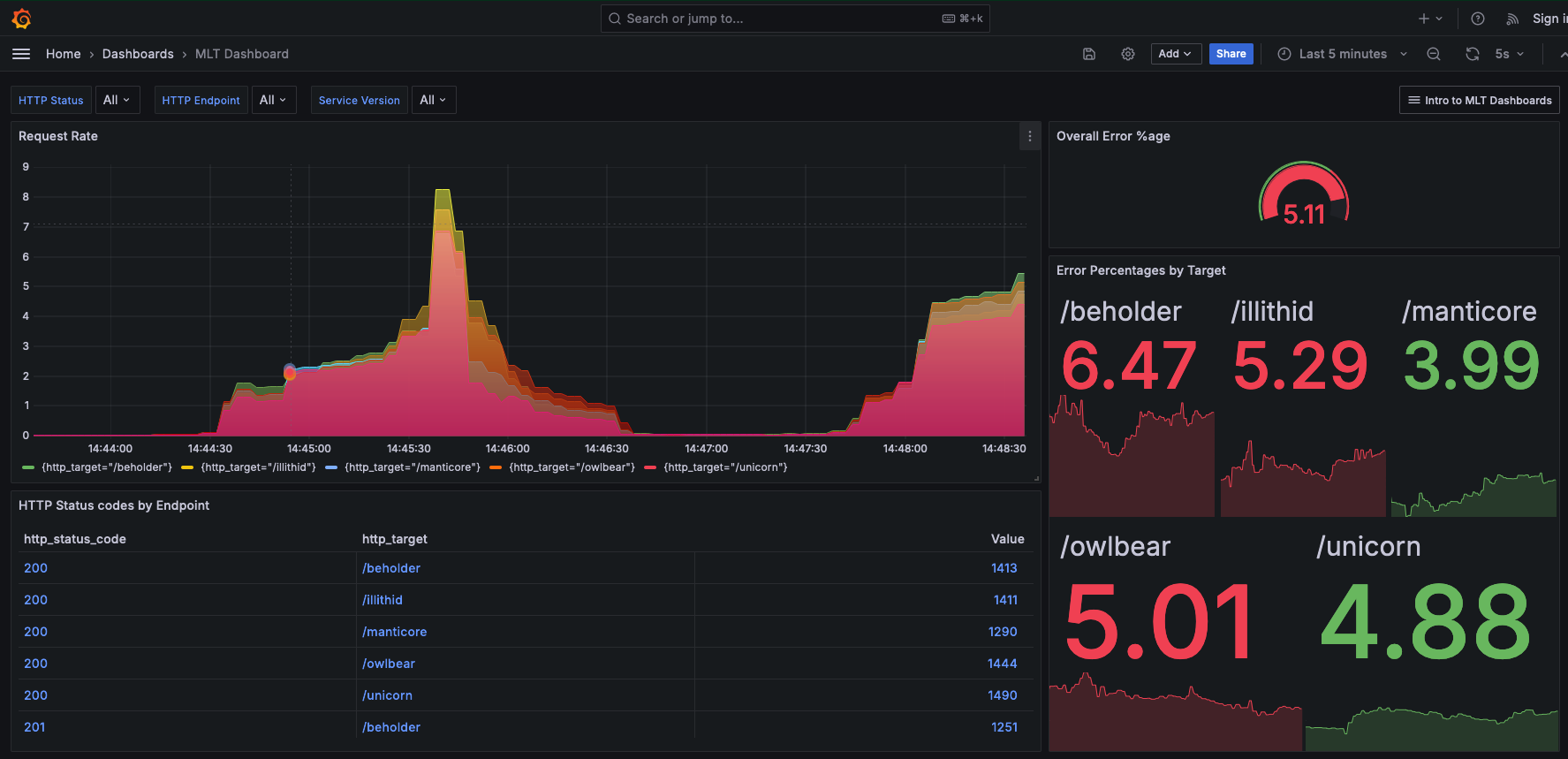
As illustrated here, a problematic release often coincides with a sharp increase in errors.
The drop that follows may not always be the direct result of a rollback, but it demonstrates the concept perfectly: interventions like rollbacks, as well as fix-forward deployments, help return the system to baseline stability.
For teams deploying frequently, maintaining stability is non-negotiable.
And techniques like blue-green deployments make it even safer.
“Blue-green deployments enhance stability by isolating changes in the Green environment. You can test new features under real-world conditions without affecting users, and if a problem occurs, reverting to a previous version becomes seamless.”


Capture, Annotate & Share in Seconds with our Free Chrome Extension!
If something fails, traffic simply reroutes to the stable environment in seconds, allowing you to maintain high deployment frequency while minimizing disruptions.
To sum up, rollbacks are your safety lever for keeping systems steady and users confident, even when releases don’t go as planned.
Rollbacks directly protect user satisfaction by restoring a working app version the moment something goes wrong.
In other words, they help you rebuild user trust fast, before frustration boils over into negative reviews or churn.
Unfortunately, plummeting ratings that followed Sonos’ attempted app overhaul couldn’t be contained.
In May 2024, the company launched a completely redesigned app that shipped with major usability issues and missing features.
Needless to say, the backlash across community forums and subreddits was swift and intense.
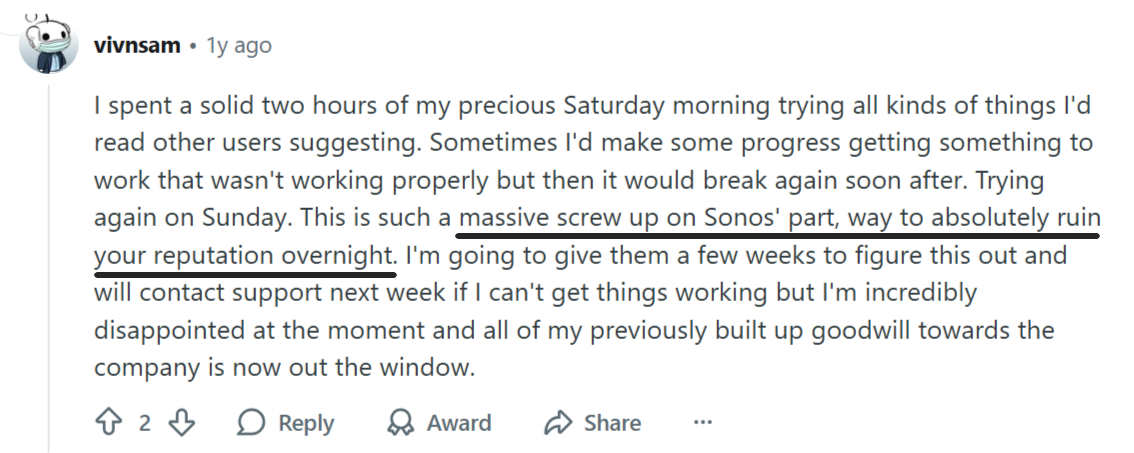
In such cases of widespread dissatisfaction, prompt rollback shows responsiveness and care that can help retain consumers and preserve brand credibility even after a failed release.
But in Sonos’ case, no rollback occurred.
According to The Verge, while the company briefly considered re-releasing the old app to help users, backend dependencies made it impossible.
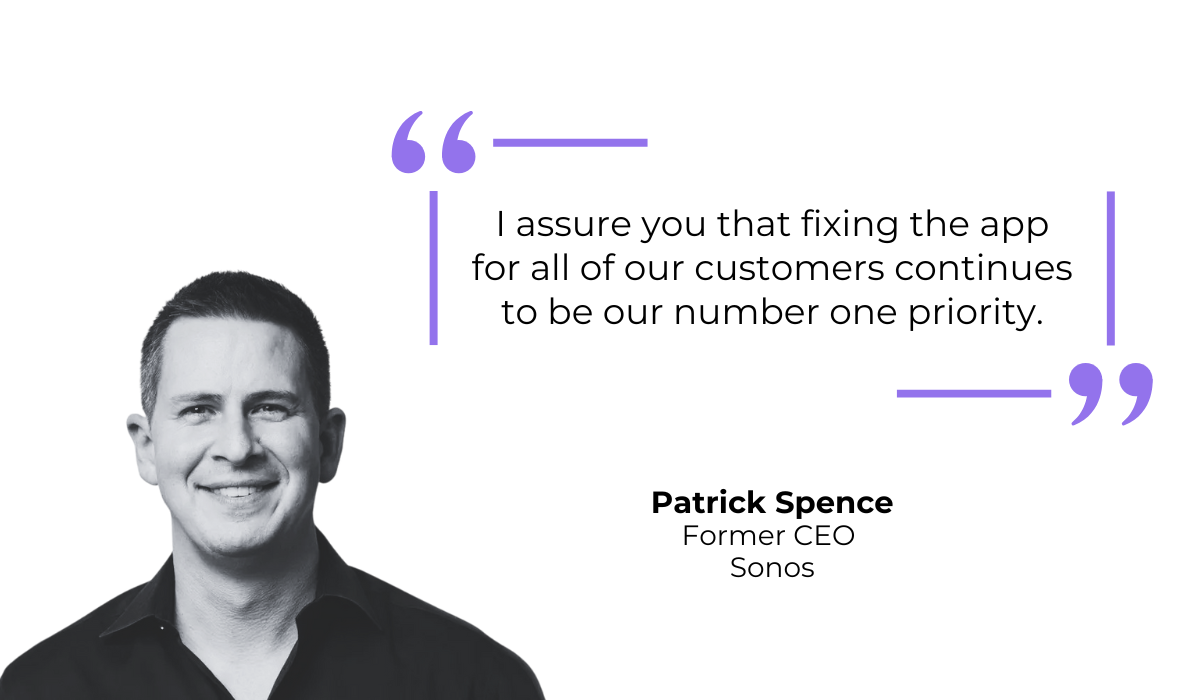
Instead, Sonos’ then-CEO Patrick Spence issued a public apology a few months later, vowing that the company would prioritize fixes over new development.
Had a rollback path been possible, Sonos could have temporarily restored the old experience, protecting its user base and reputation.
Then even this display of accountability would have been more effective.
However, Spence proved unable to get a handle on the PR disaster fast enough and ultimately stepped down as CEO.
While strategic safeguards couldn’t have made up for the company’s poor planning and execution, the general truth is that rollback readiness can often be the difference between recovery and regret.
Both rollbacks and hotfixes are designed to fix issues that emerge after a release.
But the way they achieve that goal is fundamentally different.
A rollback reverts the system or app to a previously stable version, making it something of a controlled “undo.”
A hotfix, on the other hand, doesn’t go backward.
It applies a targeted patch to the current version to correct a specific issue, often without redeploying the entire system.
A good real-world example of a hotfix came from Garmin earlier this year, following widespread reports of GPS accuracy issues across most of its watch models.

Garmin quickly released an update addressing the bug, but without reverting firmware or previous builds.
And that’s the distinction.
Since it didn’t involve reverting to an older version or redeploying a previous executable, Garmin’s strategy is more accurately described as rapid mitigation, or hotfix.
Hotfixes are applied to stabilize performance while keeping users on the same release.
That said, rollbacks are often faster for immediate recovery, while hotfixes are ideal for fine-grained fixes once the issue is understood.
Here’s a quick breakdown of the differences between the two in terms of scale, speed, and impact.
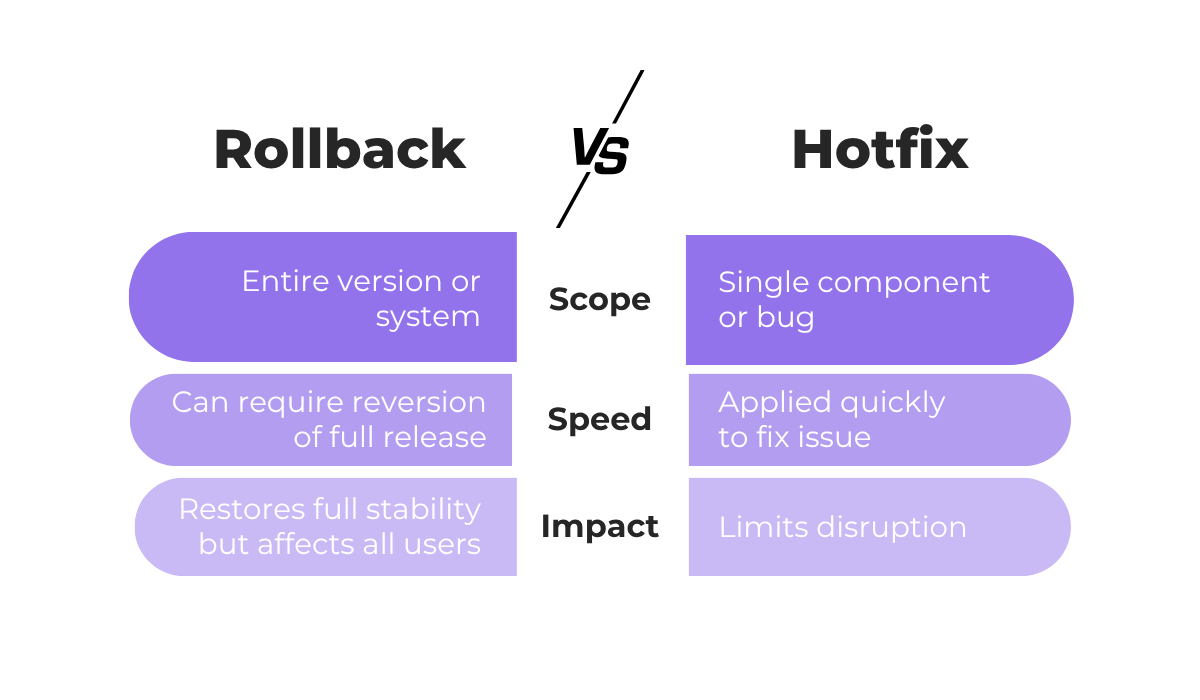
Remember that, in practice, both approaches often work together.
Your team might trigger a rollback to recover quickly, then deploy a hotfix before re-releasing.
Modern teams blend both strategies to stay resilient, rolling back when needed and patching when possible, while always staying alert and ready to tackle future issues.
Even with the best deployment strategies in place, things can still go wrong.
When they do, having visibility into what happened, where, and why is essential in deciding whether to roll back or fix forward.
That’s exactly where our bug and crash report tool Shake comes in.
Shake enables devs, QAs, and product managers to capture real-time crash reports, logs, and user feedback, making it significantly easier to pinpoint the root cause of a failed deployment.
Every report automatically includes critical context, including device model, OS version, connectivity status, app version, and more.
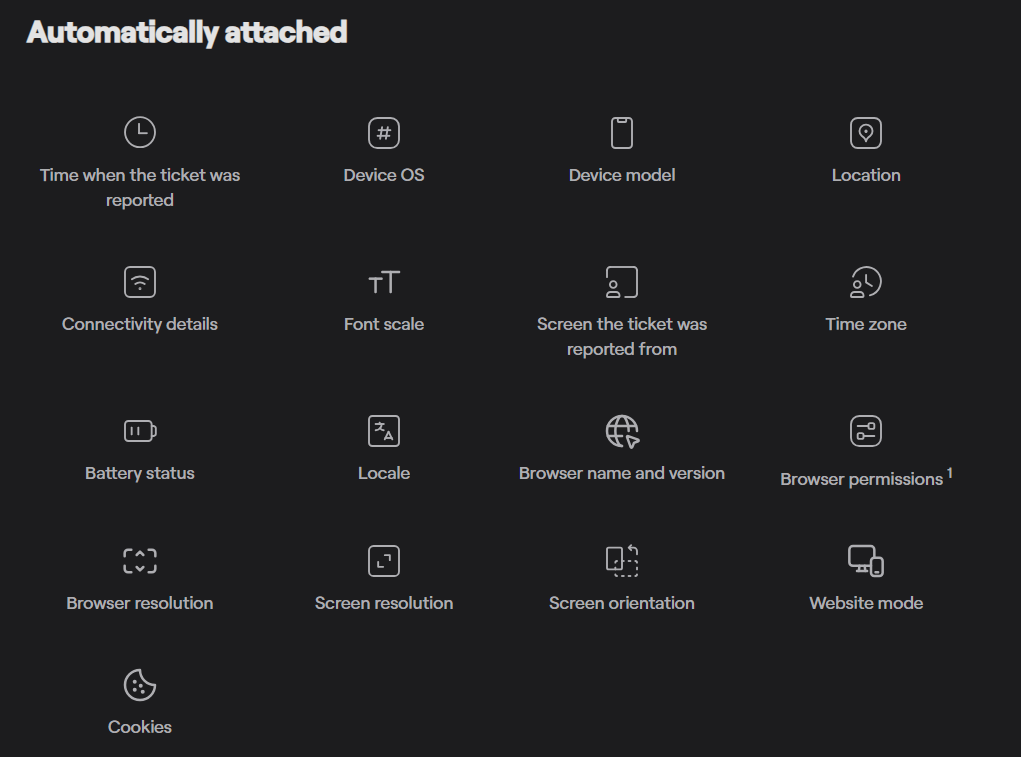
Instead of chasing logs or trying to reproduce bugs, your team gets an instant snapshot of the environment where the issue occurred, with over 50 data points on each ticket.
Shake also captures rich user feedback, from annotated screenshots to short screen recordings showing what led up to the crash.
This level of visibility helps your developers see exactly how something broke, which in turn speeds up triage and decision-making.
Meanwhile, powerful in-app analytics let you track errors as they happen, visualize trends, and measure app stability over time.
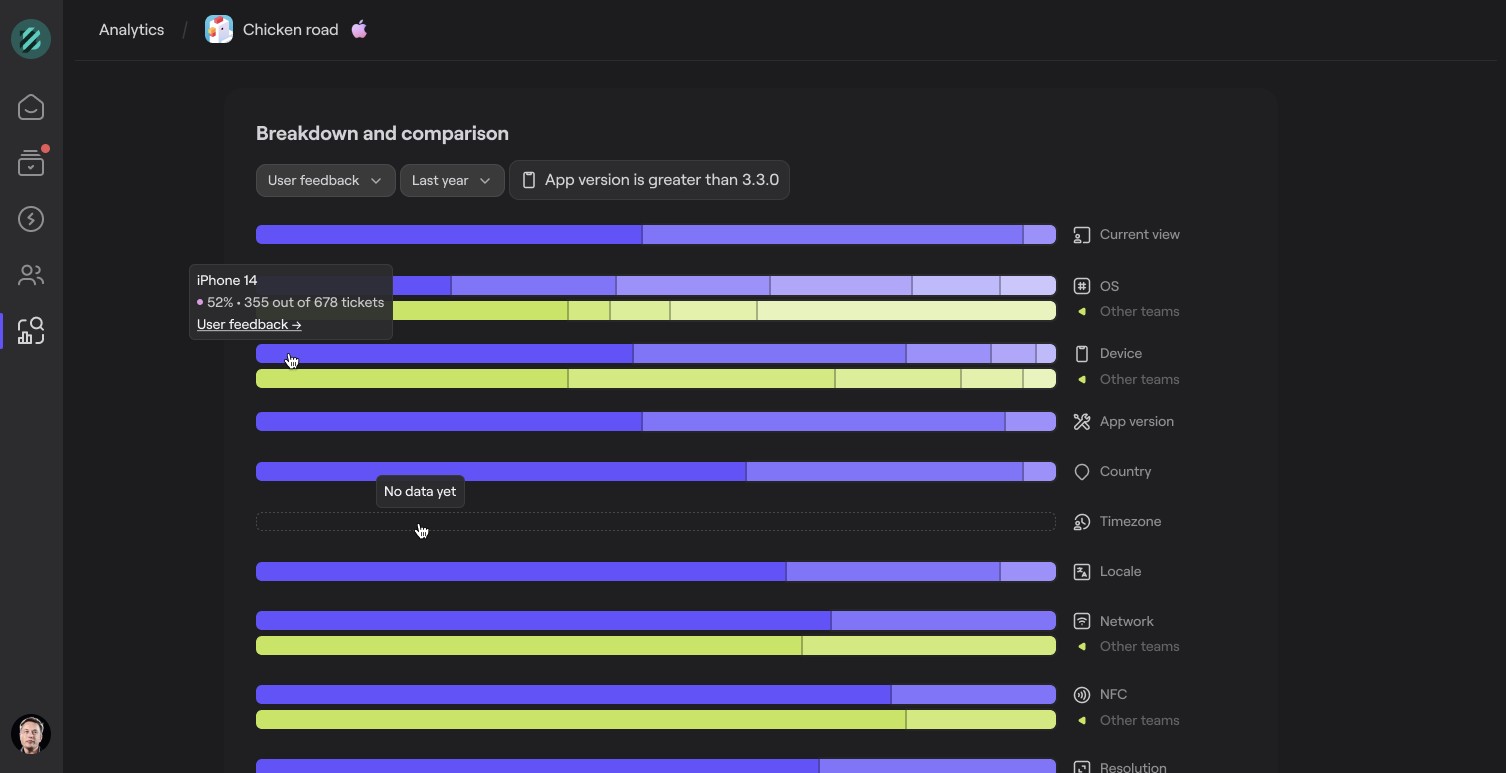
The ability to quickly assess the scope and severity of any emerging issue delivers all relevant context at your fingertips, helping you opt for the best strategy moving forward.
If the problem is widespread or high-risk, Shake’s detailed reports support a confident rollback.
And if it’s isolated, you can deploy a targeted fix with precision.
With all this data centralized in one collaborative dashboard, your developers, QA engineers, and product managers stay aligned.

The result? Faster recovery, smarter release decisions, and fewer emergency rollbacks in the long run.
Ultimately, using a tool like Shake helps you respond to and learn from issues, leading to smoother releases, fewer rollbacks, and higher app reliability over time.
In the end, every release is a balancing act, requiring your team to temper innovation with sufficient control.
Rollbacks give you the confidence to promptly and effectively address emerging risks, maintain stability, and ensure user satisfaction even in the face of major bugs and crashes.
Knowing when to revert, when to patch, and how to learn from each incident defines a mature development culture.
With the right insights and tools in place, even setbacks can pave the way for stronger, more resilient software.
From internal bug reporting to production and customer support, our all-in-one SDK gets you all the right clues to fix issues in your mobile app and website.
We love to think it makes CTOs life easier, QA tester’s reports better and dev’s coding faster. If you agree that user feedback is key – Shake is your door lock.
Read more about us here.

Add to app in minutes

Doesn’t affect app speed

GDPR & CCPA compliant

Unexpected things pop up
Just like bugs in your app or web 🐛 Fix them now with just one reporting tool.
