






Bug reporting takes time. Here’s how AI helps teams work more efficiently

Your app breaks.
You know it needs to be fixed, but you’re unsure of the method and urgency. You’re probably even more confused if you mix terms like hotfix, coldfix, patch, and bugfix.
It may seem like nothing more than a question of semantics.
But the truth is, knowing what makes each of these approaches to solving app issues different is crucial.
Making the right choice at the right time makes all the difference between a quality, streamlined app and a buggy one.
That’s why, in today’s article, we’ll show where the difference between these fixes lies.
Let’s get started!
Table of Contents
Your app is up and running, but you notice an issue that may seriously compromise user privacy or prevent a user from using a core functionality, such as users accessing their accounts.
In other words, you need to deal with it as soon as possible.
If you don’t, the consequences may be fatal.
In moments like these, a hotfix is the best choice. It’s a fast, targeted fix deployed directly to a live production environment to resolve a critical issue.
However, because it’s urgent, it’s done either without or with minimal testing.
For example, if a mobile banking app discovers a vulnerability that could allow unauthorized access, a hotfix is justified.
Other scenarios where hotfixes make sense include:
And they are very common.


Get unreal data to fix real issues in your app & web.
According to a survey by Runway, nearly 1 in 4 releases experiences problems severe enough to delay features or require hotfixes.
However, in a situation with high stakes, it’s easy to slip up and further complicate an issue, or even start a new one, unrelated to the first.
This is why hotfixes must be an exception, not a rule.
Or, as Qase.io’s developer Vitaly Sharovatov puts it:
If you deal with most or all issues too fast and with minimal testing, this can translate into various problems.
For example, your codebase may become fragmented, review processes may get bypassed, or documentation may become inconsistent.
In other words, you’ll spend more time than necessary fixing issues.
That’s why choosing a hotfix must always be done with a cool head.
Documenting the changes, tracking follow‑up work, and integrating the fix with the main development branch are a must if you want to avoid long‑term issues.
Now, let’s move on to other fixing tools in our toolbox.
This type of fix is prepared or applied outside of the live production environment.
As the name suggests, unlike a hotfix, it’s not urgent.
You use a coldfix when an issue is identified early or when the risk of a direct production change is too high.
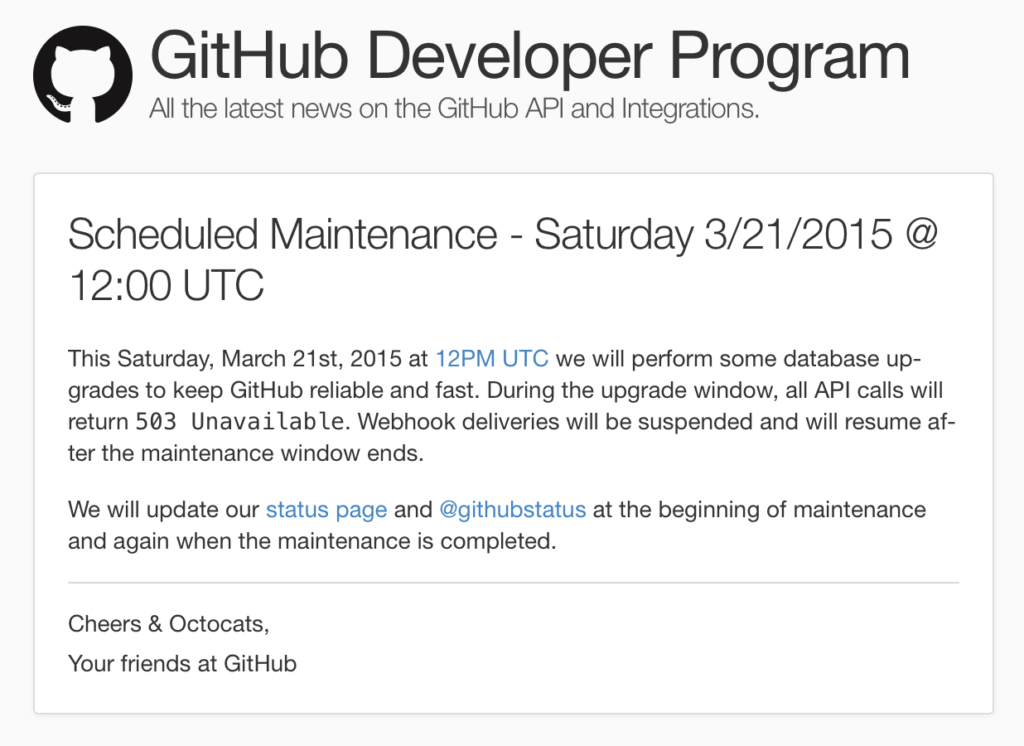
They are developed, tested, and validated in staging or pre‑production environments before release.
Typical use cases for coldfixes include:
For example, in the game Volcanoids, developers communicated a coldfix that was prepared in advance and released in a controlled manner to address stability issues without disrupting active players.
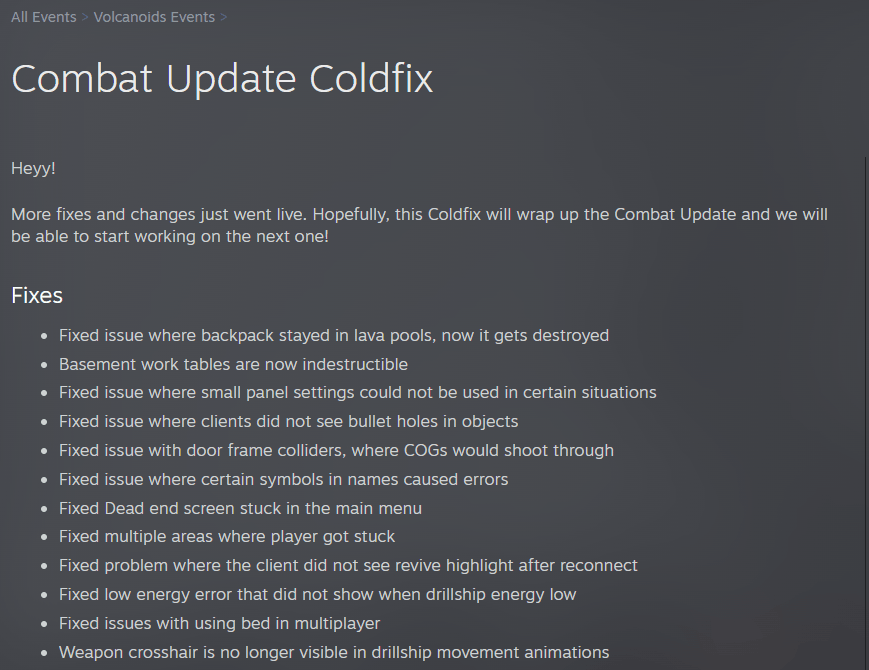
The fix wasn’t urgent enough to justify a live intervention, but it still required attention before the next major update.
Unlike hotfixes, coldfixes allow for deeper testing, clearer rollback plans, and better coordination across teams.
Also, they reduce the chance of introducing new issues, especially in mobile apps, where app store approvals and staged rollouts are necessary.
Bugfixes are handled before a software release, and they’re applied during the production or test phase.
So, unlike coldfixes, which demand an outage or software downtime, they don’t impact users.
What makes bugfixes tricky is that they can sometimes seem trivial, but are actually complex.
A bugfix can mean correcting details like a typo, a missing parenthesis, or a variable type.
But to get there, you might spend days tracing an intermittent issue where the symptom appears far from the root cause.
And research shows that tracking the root of an issue can take a lot of time.
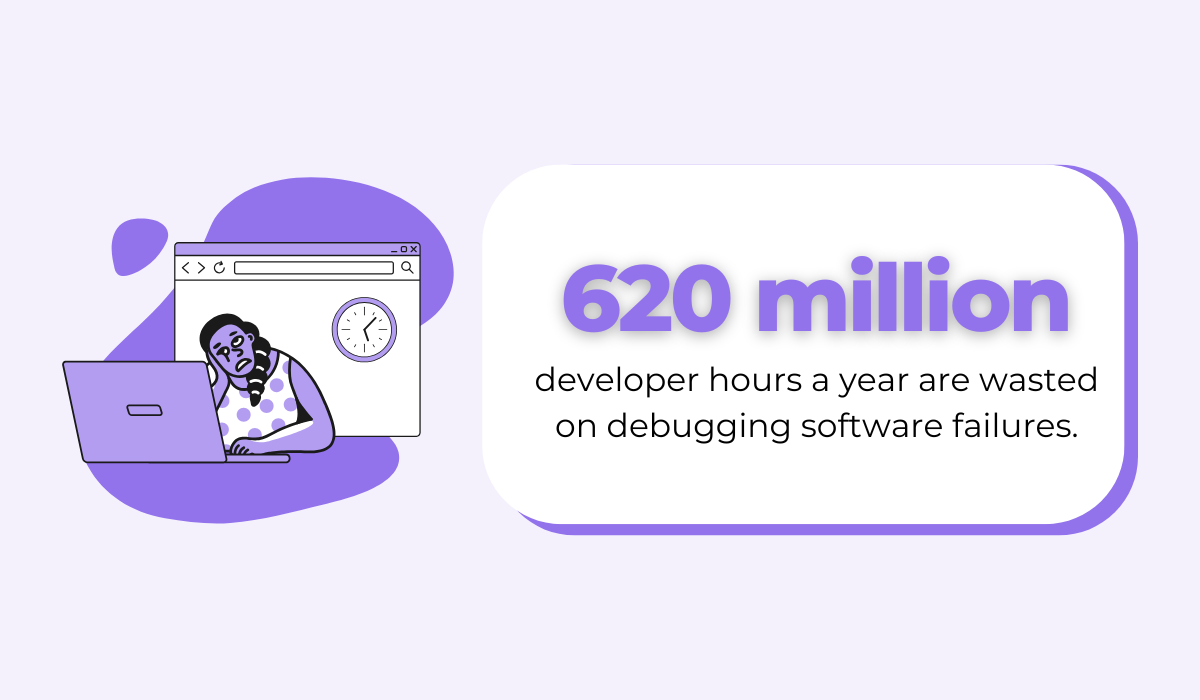
For example, Undo’s 2020 report showed that a whopping 620 million developer hours a year are wasted on debugging.
This goes to show just how much digging it takes to reproduce the issue, isolate the cause, and validate that the fix does not break something else.
On top of that, bugfixes often undergo full testing cycles, especially when included in patches or regular releases.
But even then, one fix may reveal or introduce another issue.
This is why regression testing remains critical, regardless of how small a change appears.
A patch is a planned update that bundles one or more permanent fixes, and sometimes improvements, into a scheduled release.
Patches typically follow established testing, review, and deployment processes, making them more stable than hotfixes.
Also, they’re usually documented, versioned, and publicly released.
In practice, patches are often interim updates between major releases. For instance, think of Windows’ Tuesday Patch Update.
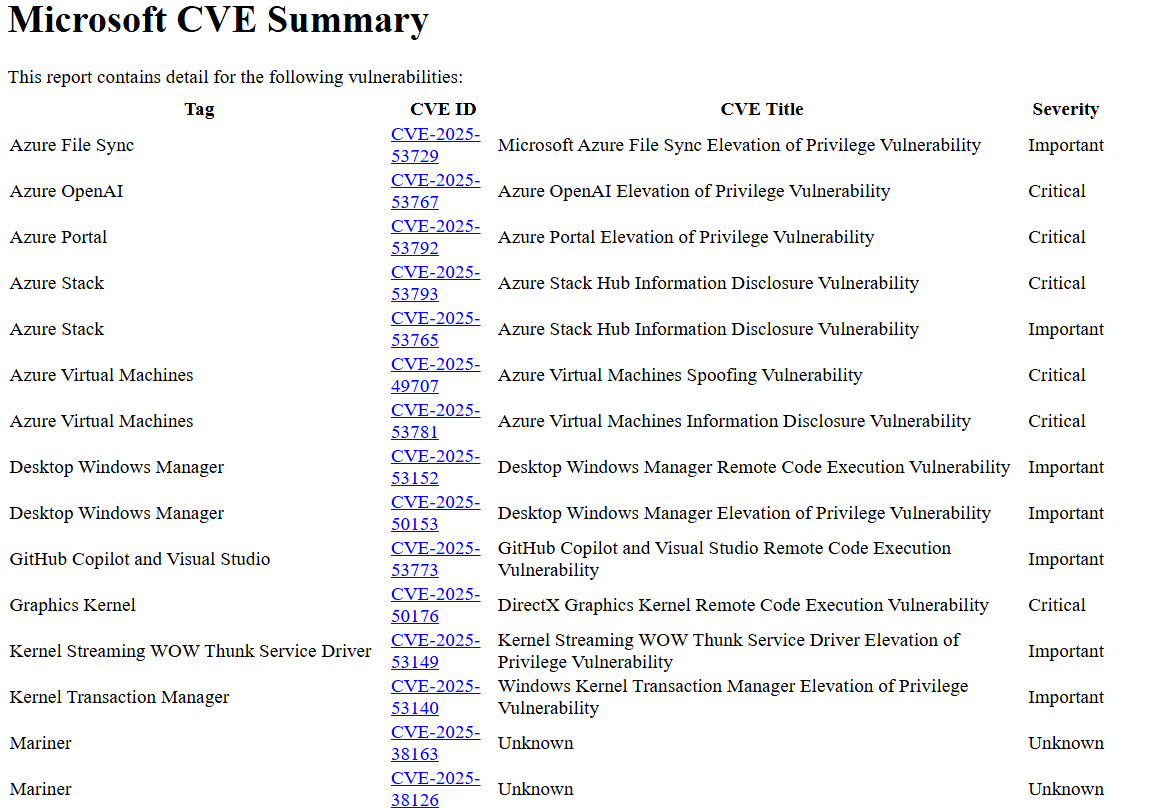
Patches can address a wide range of issues, including:
However, patches aren’t always permanent.


Capture, Annotate & Share in Seconds with our Free Chrome Extension!
Some serve as temporary mitigations until a larger architectural change is ready.
Others quietly resolve long‑standing issues and become part of the stable baseline.
Just like bugfixes, they may take more time to implement.
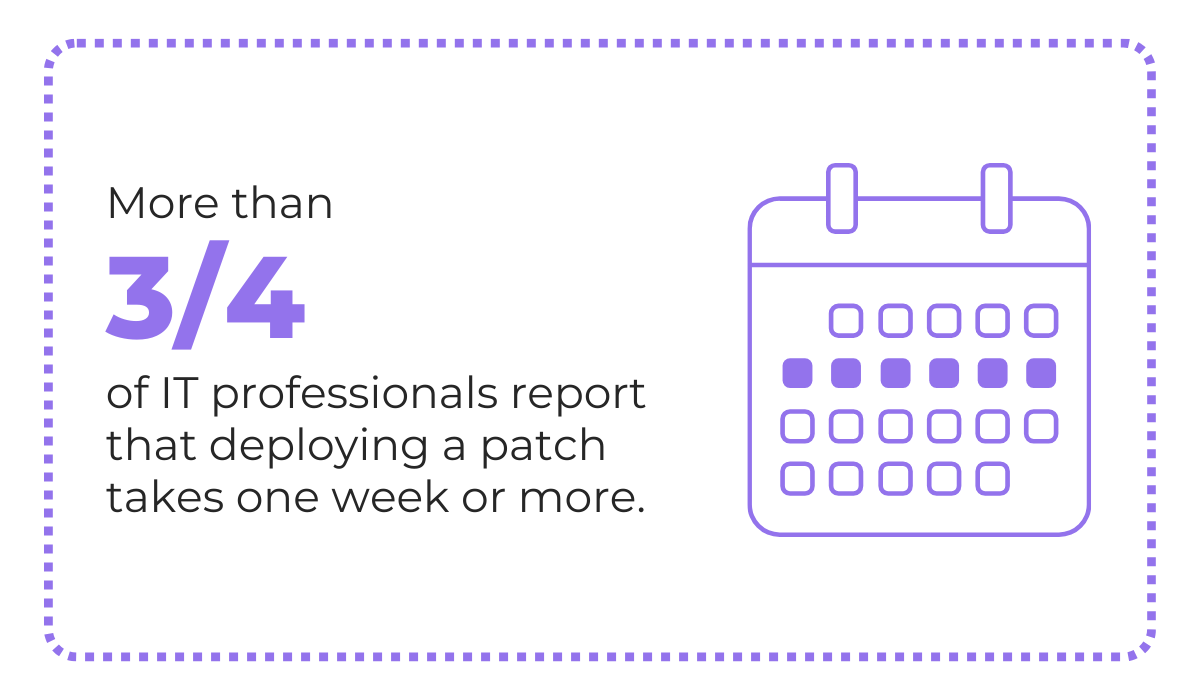
According to research, more than three-quarters of IT and security professionals report that deploying a patch across their entire organization takes one week or more.
Although it may be frustrating, it’s for the better.
After all, successful patching depends on various factors, from thorough testing and infrastructure limitations to internal and external approval processes.
While patches are generally safer, they are not risk‑free.
They can break integrations, introduce regressions, or fail to fully address the underlying problem.
For example, in recent years, as Microsoft has incorporated AI into its processes, these types of issues have become more common.
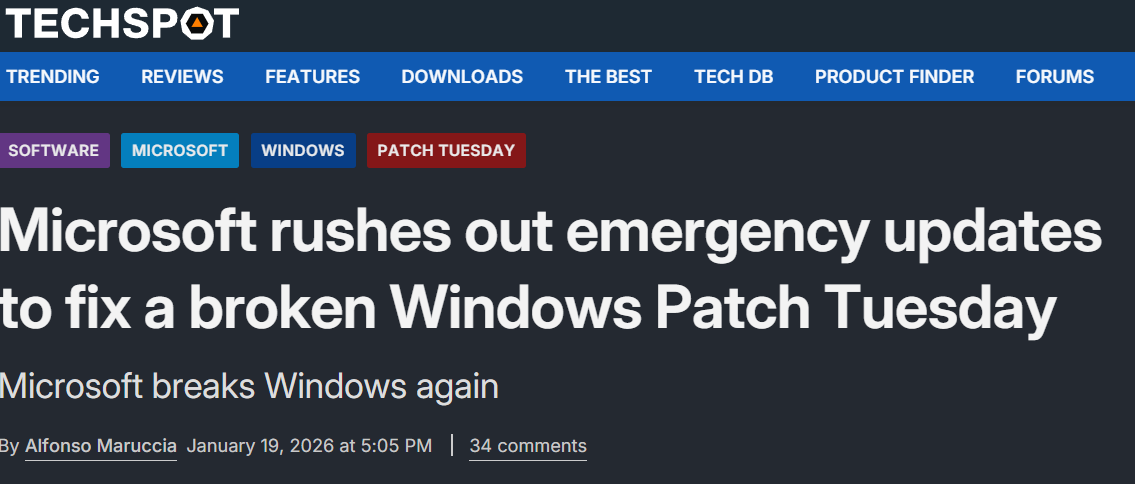
Situations like these, especially if the app is large, can negatively affect end users and influence the app churn rate.
In rare cases, attackers have even exploited patch distribution mechanisms.
For example, the 2021 Kaseya VSA incident showed how ransomware can be spread through a legitimate update.
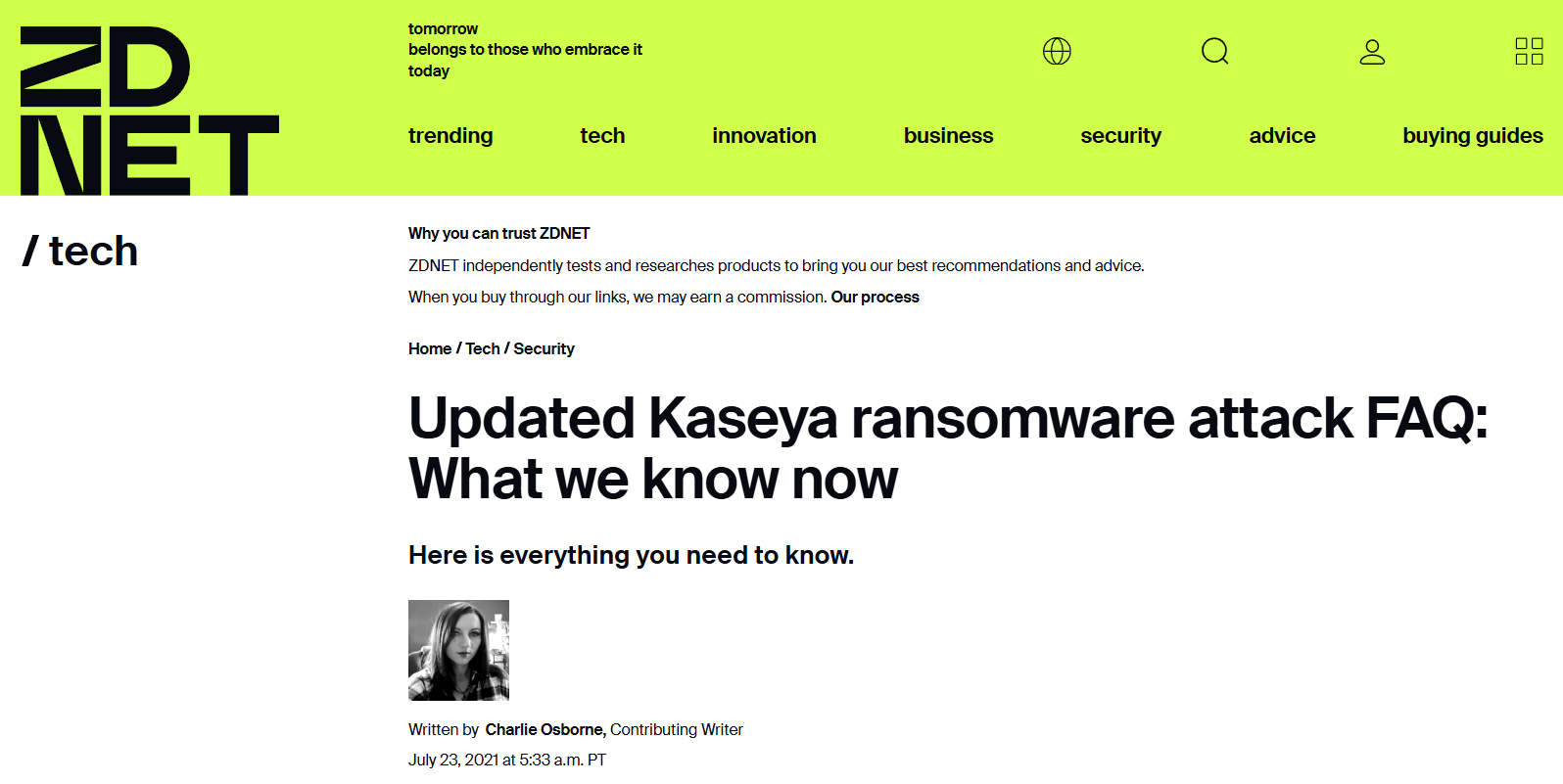
The attack was triggered via an authentication bypass vulnerability in the Kaseya VSA web interface.
Attackers then circumvented authentication controls, gained an authenticated session, uploaded a malicious payload, and executed commands via SQL injection.
It was estimated that thousands of small businesses may have been impacted.
To avoid these complications, teams must test patches thoroughly before wide deployment.
In mobile development, this often means phased rollouts, feature flags, and close monitoring of crash rates and user feedback after release.
If you’ve come this far, you can probably see the differences between these four approaches to fixing software issues.
However, these terms still get mixed up, especially in online communities like Reddit.

But the main distinction—that is, the most obvious one—is the urgency level and a team’s risk threshold.
Hotfixes are the way to go when you’re dealing with issues that must be dealt with immediately. Otherwise, you risk security issues.
However, remember they involve limited testing in order to be deployed as fast as possible, which can lead to other issues down the line, like team fatigue, technical debt, and rollbacks.
Patches and coldfixes, on the other hand, are not deployed fast.
These will always take more time to test to make sure the solution works. Because of that, they’re never done live, but rather during downtime.
| Fix Type | When It’s Used | Key Characteristics |
| Hotfix | When an issue must be resolved immediately (e.g., security vulnerabilities, production outages). | Deployed fast, often directly to production; limited testing; higher risk; prioritizes speed over stability |
| Coldfix | When an issue is non-urgent and can wait for scheduled maintenance. | Applied during downtime; thoroughly tested; low risk; not deployed live |
| Bugfix | During planned release cycles to improve stability or functionality, | Well-tested; may include multiple fixes; released in a controlled manner; low risk |
| Patch | Whenever a specific defect needs to be corrected. | Can be delivered as a hotfix, coldfix, or patch depending on urgency and risk |
So, how do you know when’s the best time to opt for a hotfix?
You don’t need to do it arbitrarily.
Monitoring or bug reporting tools like Shake make it easier for developers to assess whether an issue actually needs a hotfix.
Shake does this by identifying critical crashes or widespread user issues in real time.
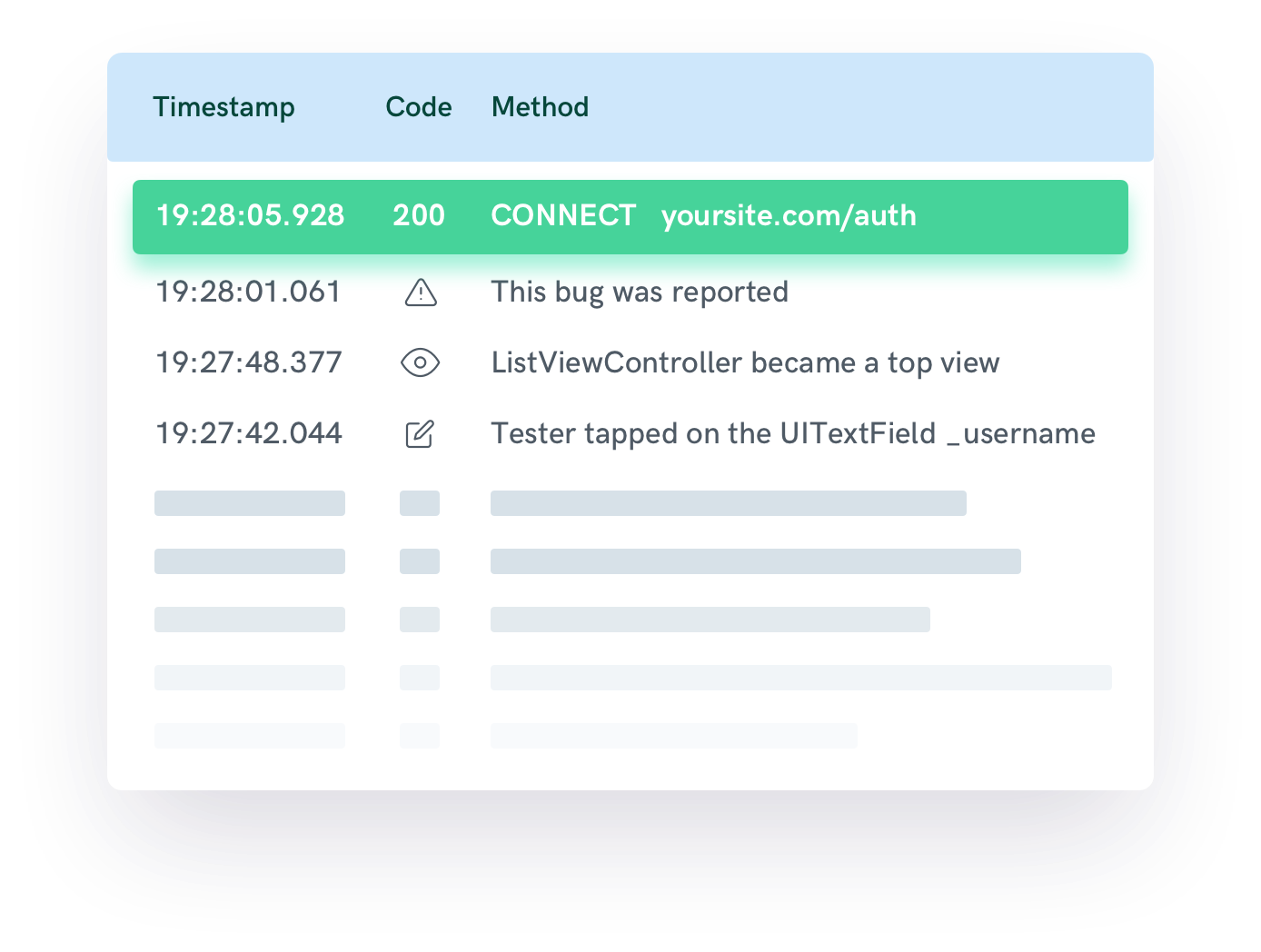
This allows teams to determine if a hotfix is justified right on the spot.
On top of that, Shake provides insights that help developers minimize risks during rapid deployment.
Each reported issue automatically includes critical contextual data, such as device type, OS version, app state, network conditions, and the sequence of user actions leading up to the problem.
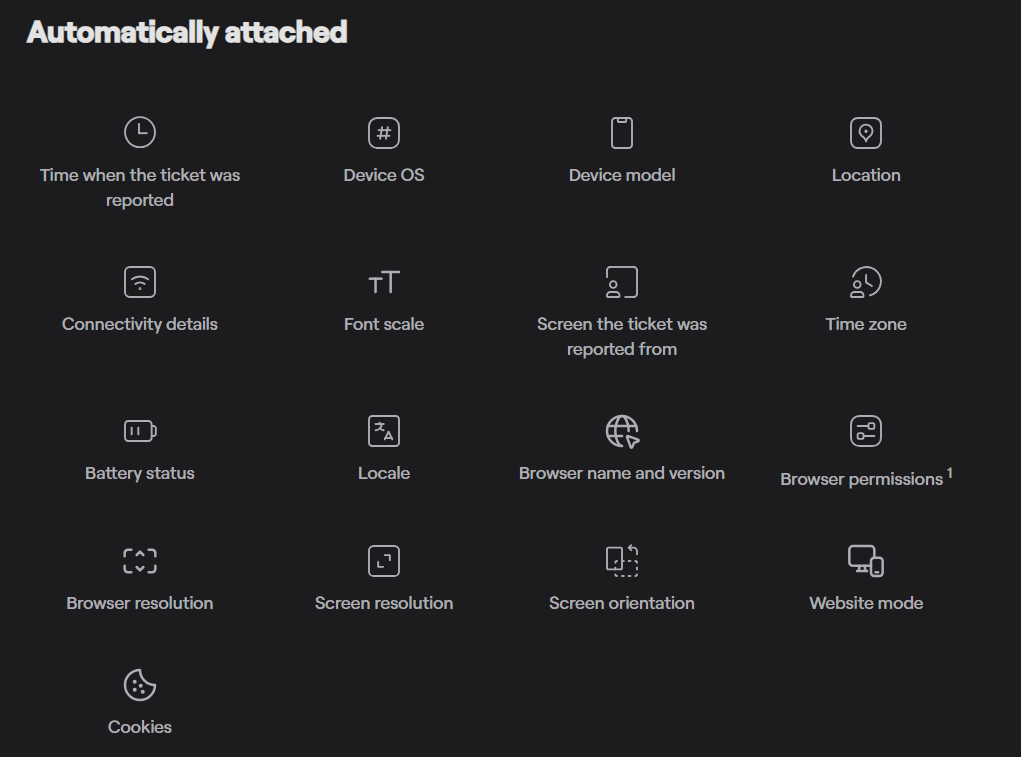
This eliminates the need for manual reproduction or follow-up with users, allowing teams to quickly understand the scope and root cause of an issue.
With this level of detail available immediately, developers can validate fixes faster and release hotfixes with greater confidence.
Each of these fixes serves a distinct purpose in managing your app’s risk, stability, and speed.
When you match the response to the problem, you reduce user impact and keep your release process healthy.
So, next time something breaks, you’ll know not just how to fix it, but how to fix it the right way.
From internal bug reporting to production and customer support, our all-in-one SDK gets you all the right clues to fix issues in your mobile app and website.
We love to think it makes CTOs life easier, QA tester’s reports better and dev’s coding faster. If you agree that user feedback is key – Shake is your door lock.
Read more about us here.

Add to app in minutes

Doesn’t affect app speed

GDPR & CCPA compliant

Unexpected things pop up
Just like bugs in your app or web 🐛 Fix them now with just one reporting tool.
